
Table of Contents
Photoshop has long offered powerful built-in tools for background removal. From the Pen Tool to Quick Selection and Select Subject, users have many options.
However, as workloads increase, a key question becomes:
Which Photoshop background removal method is more efficient for everyday use?
This article compares Photoshop’s native tools with the psaide Background Remover, focusing on real-world efficiency.

1.Features of Photoshop’s Built-in Background Removal Tools
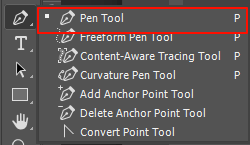
(1)Common built-in methods include:
Pen Tool、Quick Selection Tool、Magic Wand Tool、Select Subject
(2)Pros:
High level of control、suitable for images requiring precise manual refinement
(3)Cons:
Multiple steps required、Steeper learning curve、Low efficiency for large volumes of images
2.How psaide Background Remover Works
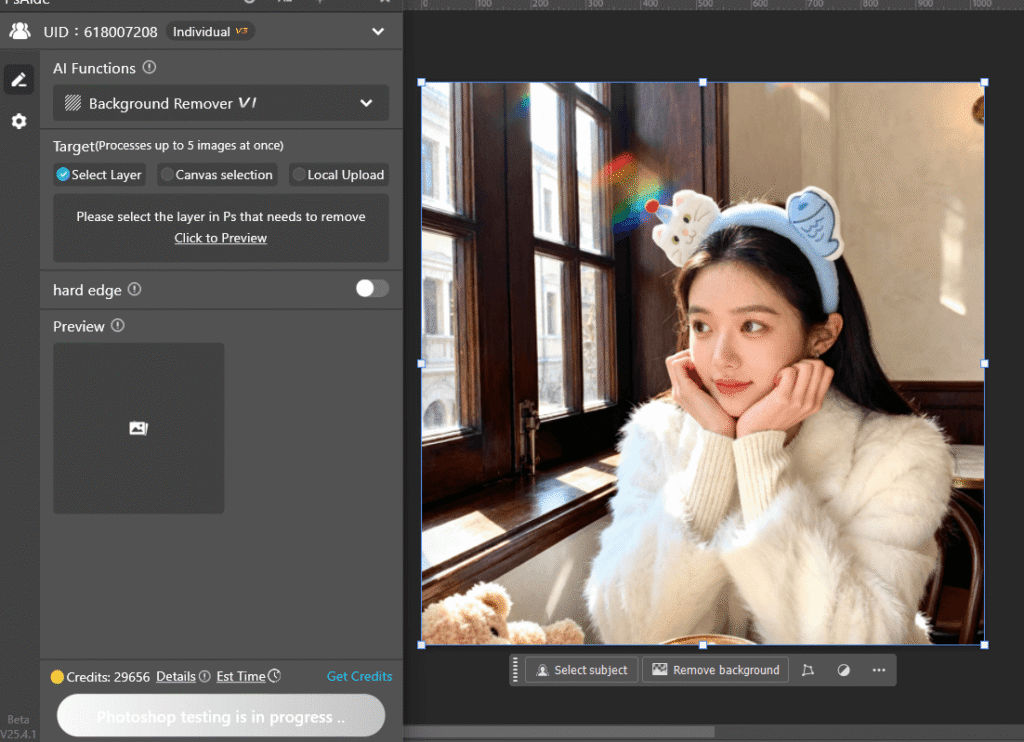
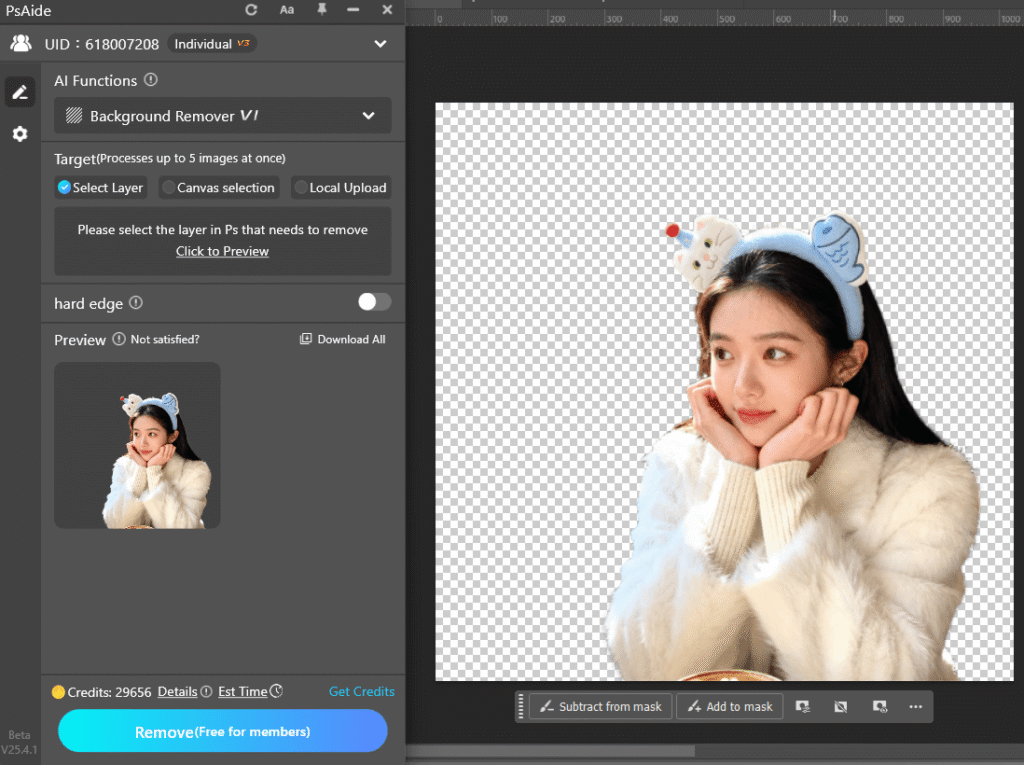
The Background Remover feature in the psaide plugin is designed to simplify common background removal tasks inside Photoshop.
Key characteristics include:
①Works directly within Photoshop
②Minimal setup and user input
③Ideal for portraits and product images
3.Key Differences Between the Two Approaches
(1)Workflow
①Built-in tools: multiple selection and refinement steps
②psaide: import → open plugin → click Generate
(2)Learning Curve
①Built-in tools: requires Photoshop experience
②psaide: beginner-friendly
(3)Efficiency
①Built-in tools: best for small numbers of complex images
②psaide: better for high-volume, repetitive tasks
4.Which Method Should You Choose?
(1) Choose Photoshop built-in tools if:
①You need maximum precision
②You work on a small number of images
(2)Choose psaide Background Remover if:
①You remove backgrounds frequently
②You work with portraits or product photos
③Speed and consistency matter
In practice, many professionals use both methods together.
5.Conclusion
Photoshop’s built-in tools remain essential for professional design work. However, for repetitive background removal tasks, efficiency often matters more than manual control.

By using the psaide Background Remover, you can streamline your Photoshop workflow and focus more on creative and high-value tasks.
Download Link: https://psaide.com/?sfrom=ZfhxUK
Invitation Code: ZfhxUK

