
Table of Contents
Continuous breakthroughs in AI Advanced Retouch provide a highly efficient and accurate solution for generating upper-body images of pants models.
For pants e-commerce sellers, clothing designers, and apparel brands, the upper-body display of pants directly affects purchasing decisions. Traditional methods require models, outfit matching, and scene setup, resulting in high time and cost investment. Manual image compositing often causes proportion mismatch, stiff folds, color inconsistency, and fabric texture loss, reducing professionalism and consumer trust. With AI Advanced Retouch combined with a professional Photoshop plugin, generating pants model upper-body images has become faster and more reliable.
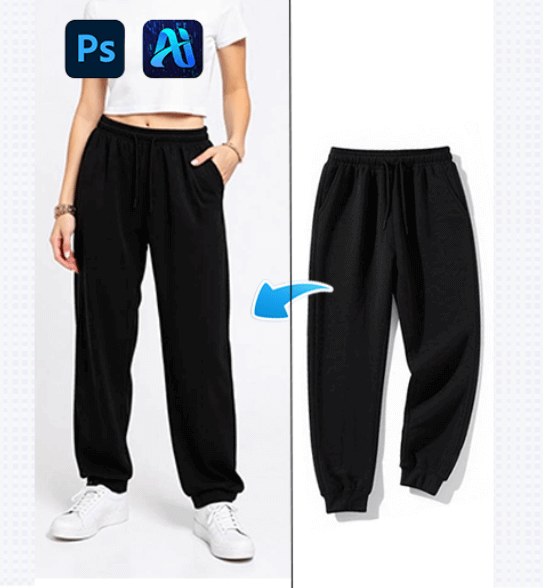
1. PsAide Plugin: Quickly Generate High-Quality Pants Model Upper-Body Images
(1)AI Advanced Retouch Result Display
In practice, the results are far superior to traditional methods. PsAide uses AI Advanced Retouch to quickly generate upper-body images that match plain straight-leg pants, accurately preserving fabric texture, pattern lines, and color saturation. Waist height, length ratio, and knee folds conform to real wearing conditions. Lighting transitions are natural, and the pants blend seamlessly with the model and background, with no obvious AI traces.
(2)Advantages of AI Advanced Retouch for Pants Model Generation
① Reduced cost and time
No physical photoshoots are required. AI Advanced Retouch replaces model hiring, styling, and scene setup, reducing production time from days to minutes.
② High-precision detail restoration
Different fabrics and styles—including denim, cotton, linen, straight, wide-leg, or slim pants—are accurately rendered with clear textures, pattern lines, and natural folds.
③ Consistent lighting and scene matching
During the AI Advanced Retouch process, light direction and color tone are automatically analyzed to ensure visual consistency without harsh lighting or color conflicts.
④ Flexible multi-scenario application
Suitable for e-commerce product pages, brand catalogs, and social media promotions, enabling efficient batch generation for multiple pants styles.
(3)Operation Steps
This Photoshop plugin simplifies pants model upper-body generation based on AI Advanced Retouch. Only three steps are required:
①Import the pants image into Photoshop and select the target area.
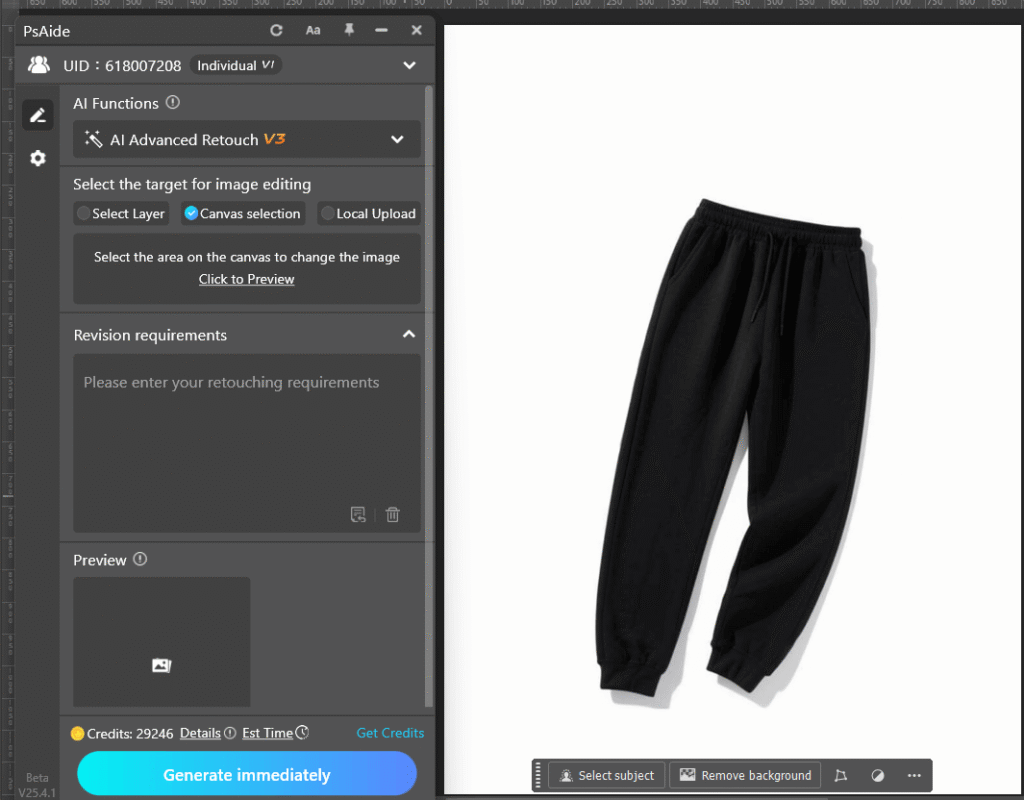
②Enter a clear prompt.
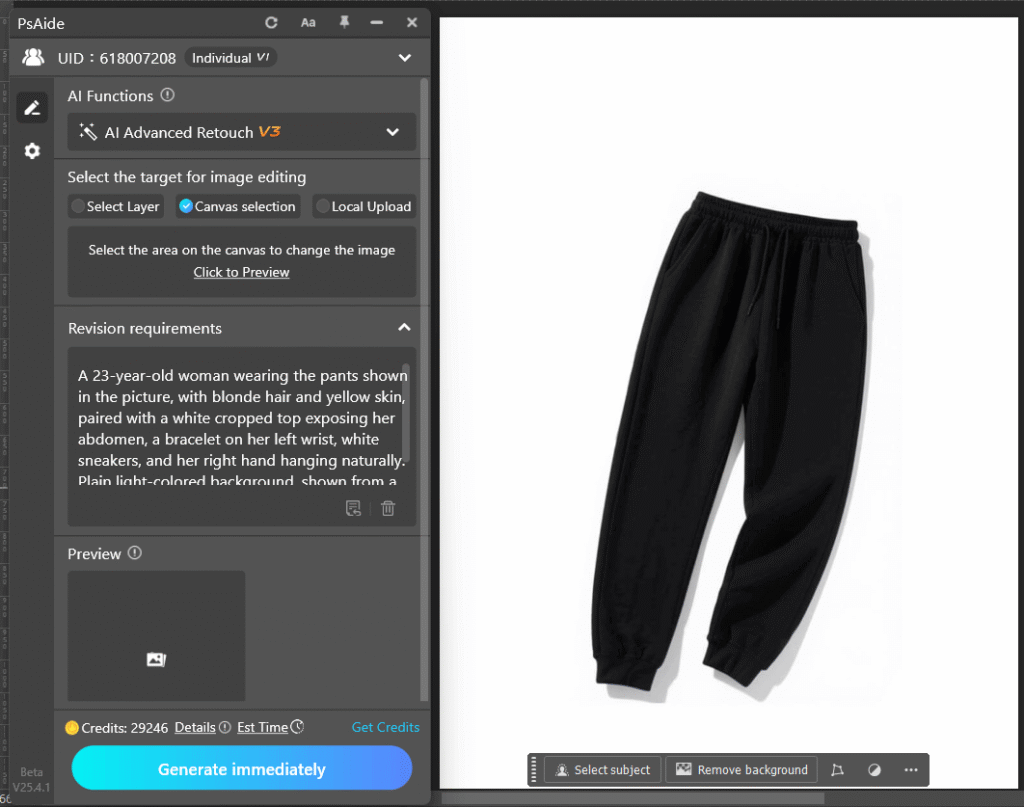
③Click Generate immediately and wait a few seconds for the result.
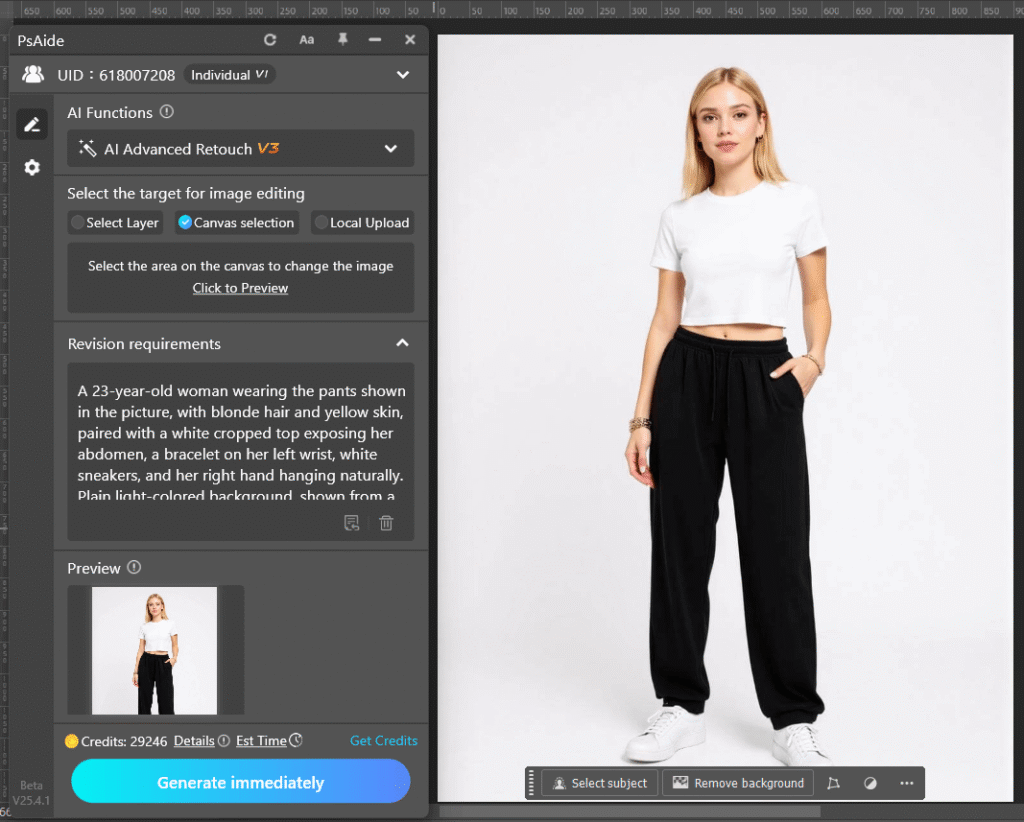
With PsAide and AI Advanced Retouch, generating pants model upper-body images becomes efficient and effortless, helping brands improve product presentation and competitiveness.
2. Example Prompt
Prompt:
A 23-year-old woman wearing the pants shown in the picture, with blonde hair and yellow skin, paired with a white cropped top exposing her abdomen, a bracelet on her left wrist, white sneakers, and her right hand hanging naturally. Plain light-colored background, shown from a full-body perspective.

Download Link: https://psaide.com/?sfrom=ZfhxUK
Invitation Code: ZfhxUK

