Table of Contents
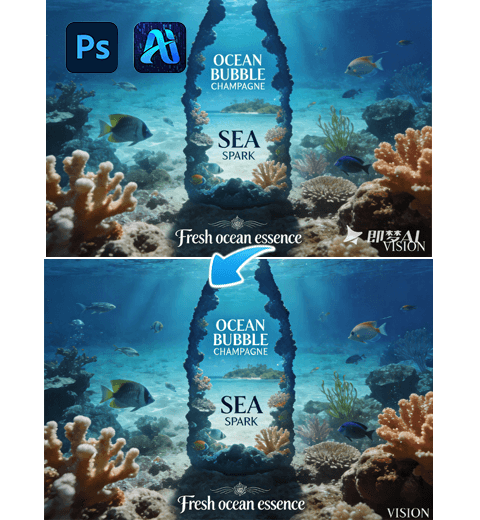
Continuous breakthroughs in AI Advanced Retouch provide an efficient and precise solution for adding realistic scene backgrounds to white-background suitcase images. This addresses common challenges in luggage e-commerce and brand marketing. Traditional methods rely on physical scene setup and photography, which are time-consuming and costly. Manual compositing often results in perspective errors, hard edges, and mismatched lighting.
Using AI Advanced Retouch with a professional Photoshop plugin offers a faster and more accurate alternative.
1. PsAide Plugin Enables Efficient Background Addition for White-Background Suitcases
(1)AI Advanced Retouch Result Display
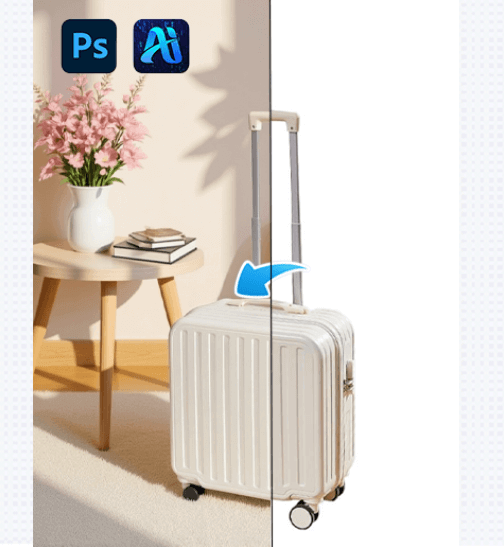
In real use, PsAide powered by AI Advanced Retouch delivers results superior to traditional editing. For example, a white-background business suitcase image can be seamlessly placed into a modern indoor scene while accurately preserving material texture, surface gloss, and metal details. Perspective proportions between the suitcase and the environment are automatically adjusted, and lighting direction is analyzed so shadows and reflections match the scene naturally.
(2)Advantages of Adding Backgrounds to White-Background Suitcases
①Significant cost and time savings
No physical scene photography is required. AI Advanced Retouch replaces location selection, props, lighting setup, and manual compositing, reducing production time from days to minutes.
②High-quality detail preservation
The system accurately restores different suitcase materials, including fabric texture, leather softness, and metallic shine. Automatic perspective correction avoids distortion and unnatural proportions.
③Consistent lighting and scene integration
During the AI Advanced Retouch process, light direction and color tone are analyzed to ensure the suitcase blends naturally into the background without harsh shadows or color conflicts.
④Flexible multi-scenario application
Suitable for e-commerce product pages, brand catalogs, and promotional materials, enabling consistent visual output across different display scenarios.
(3)Operation Steps
This Photoshop plugin simplifies background addition for white-background suitcase images using AI Advanced Retouch. The workflow requires only three steps:
①Import the white-background suitcase image into Photoshop and select the suitcase area.
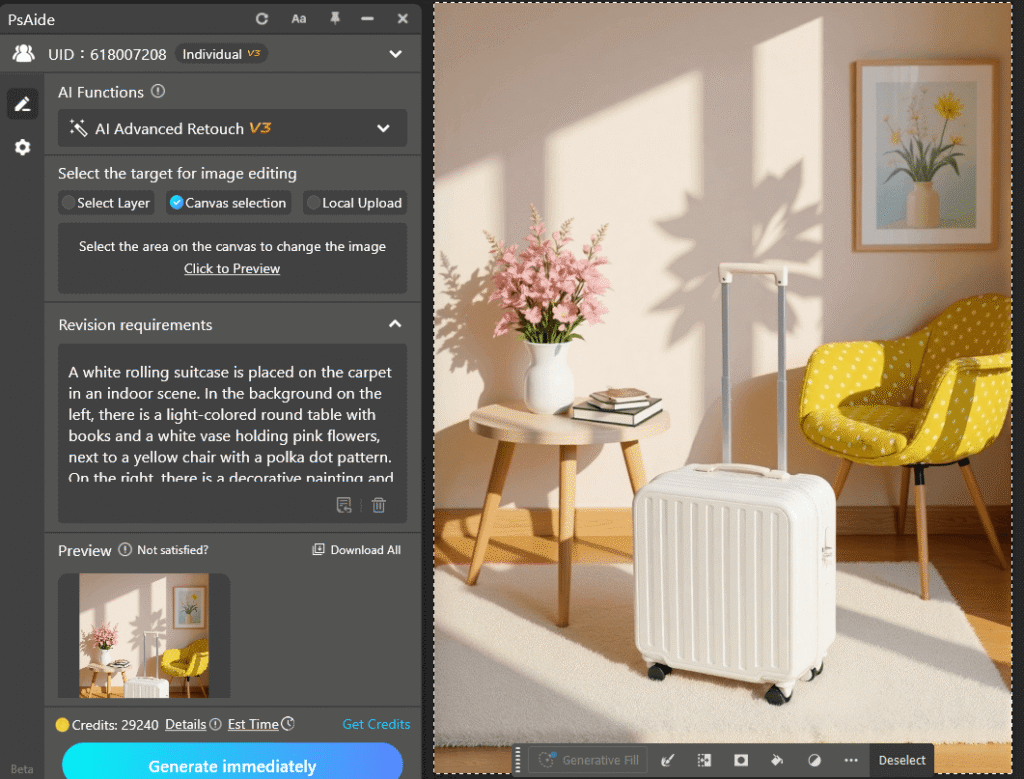
②Enter a clear prompt describing the suitcase and the desired background scene.
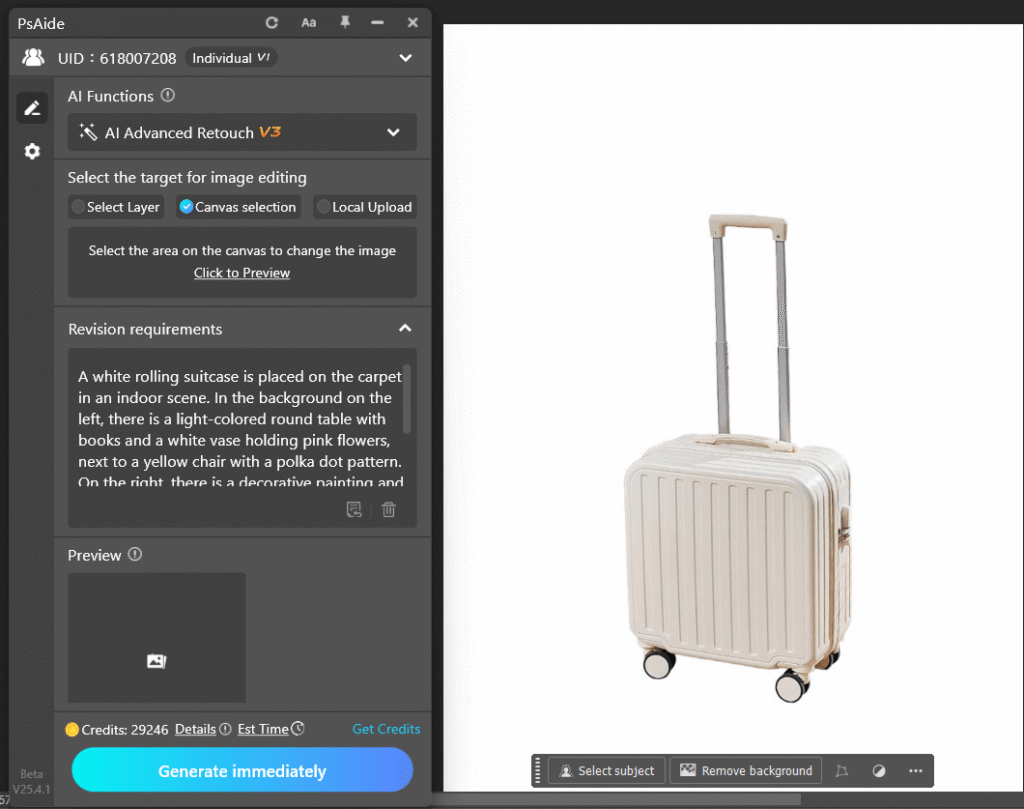
③Click Generate. The system automatically completes background composition and lighting optimization within seconds.
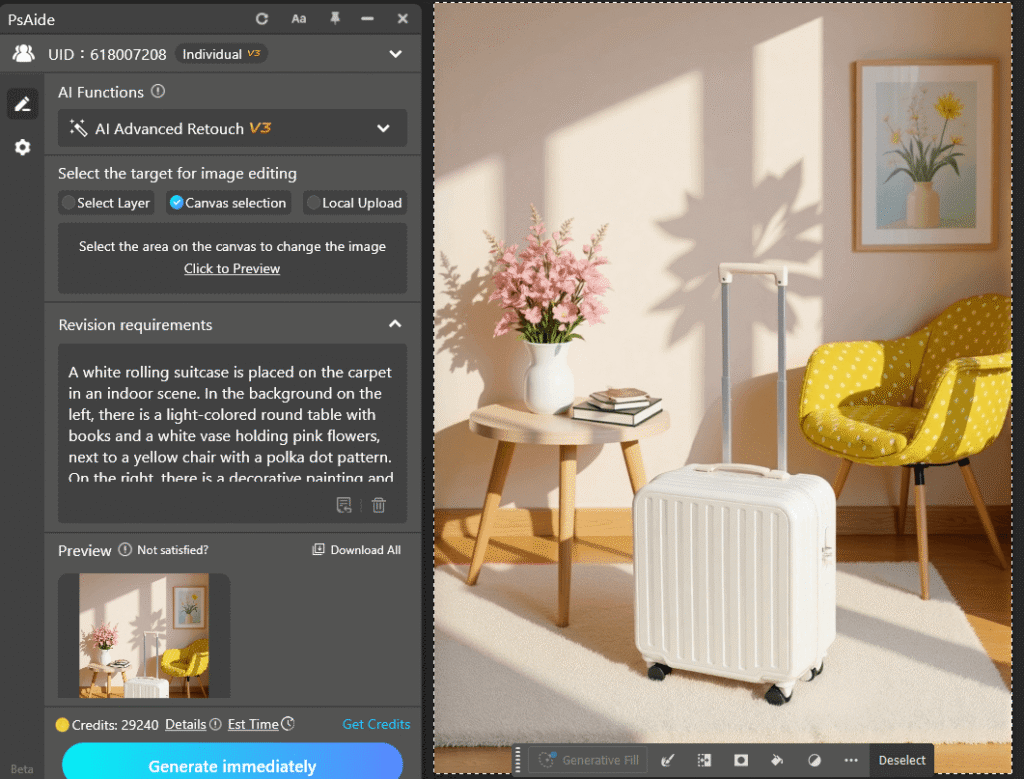
With PsAide and AI Advanced Retouch, creating scene-based suitcase images becomes efficient and reliable, helping brands improve visual quality and competitiveness.
2. Example Prompt
White suitcase with a retractable handle and wheels placed on an indoor carpet; a round table with books and a white vase with pink flowers on the left, a decorative painting and a small lamp on the right, soft indoor lighting with natural shadows.

Download Link: https://psaide.com/?sfrom=ZfhxUK
Invitation Code: ZfhxUK