
All Articles
-
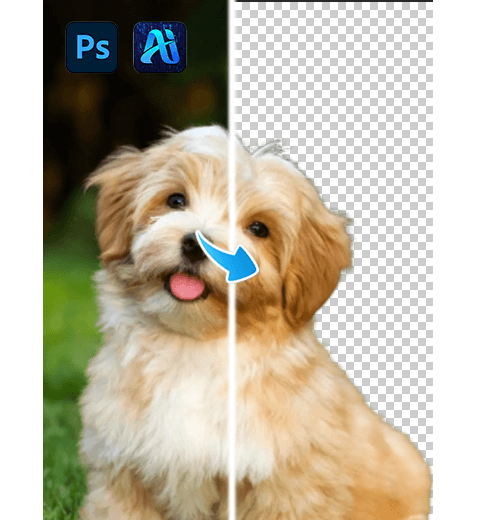
Photoshop Hair Cutout Techniques: Perfect Dog Photo Background Remover
Today, we introduce three Photoshop hair cutout techniques to help…
-
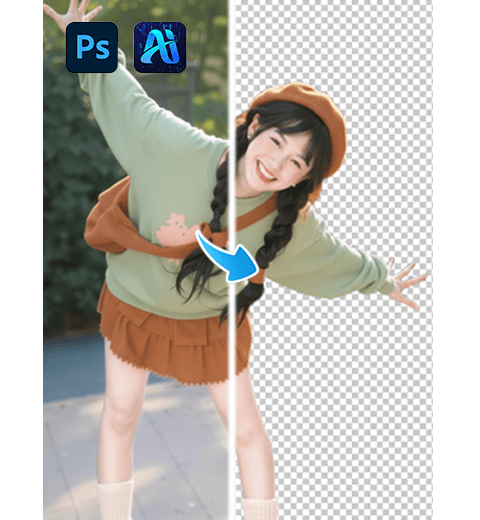
2 Fastest Methods for People Cutout in Photoshop: Traditional vs AI
Learn the two fastest methods for cutting out people in…
-
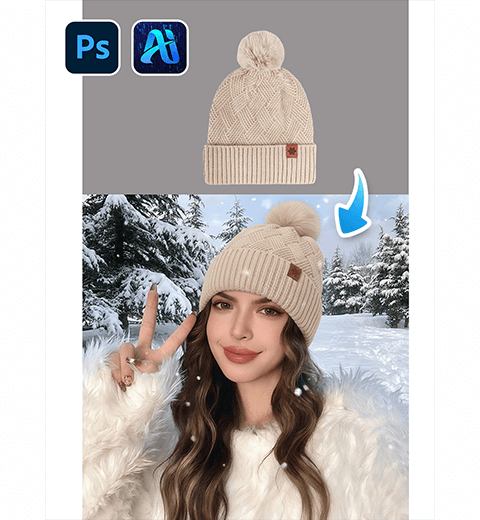
How to Swap Hats in Photoshop in 3 Steps with Nano Banana
Learn how to change hats on a model in Photoshop…
-
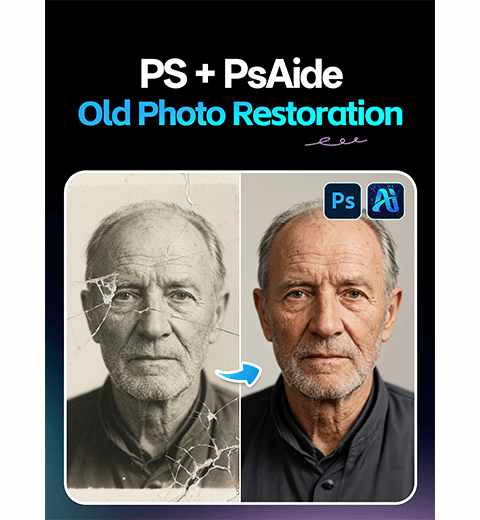
How to Restore Old Photos in Photoshop: One-Click AI Repair for Damaged Pictures
Restore damaged old photos instantly with AI. Learn how to…
-
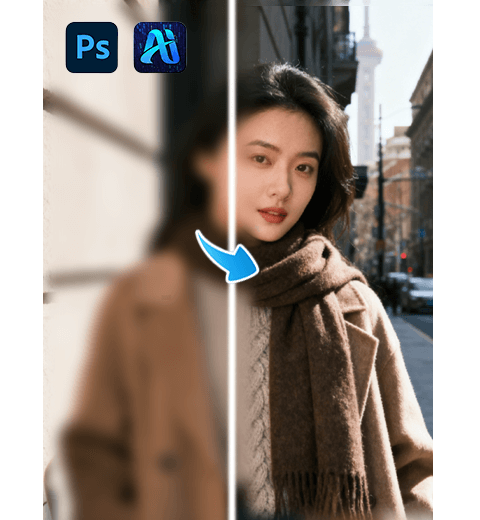
How to Use Image Sharpener V2 in Photoshop for Instant HD Portrait Clarity
Learn how to fix blurry portrait photos instantly with Image…
-
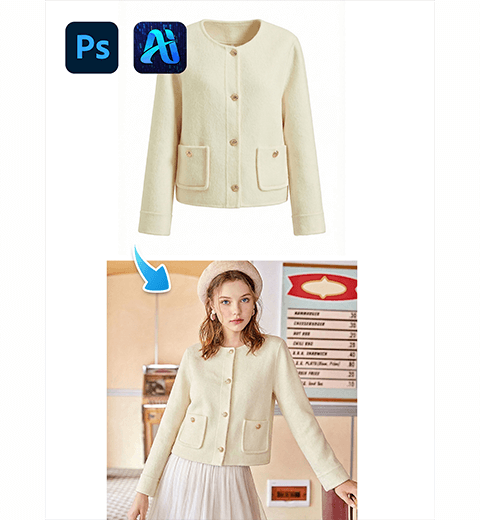
30s | How to Use Nano Banana Pro for Seamless Outfit Replacement in Photoshop
This article has outlined how to use Nano Banana Pro…
-
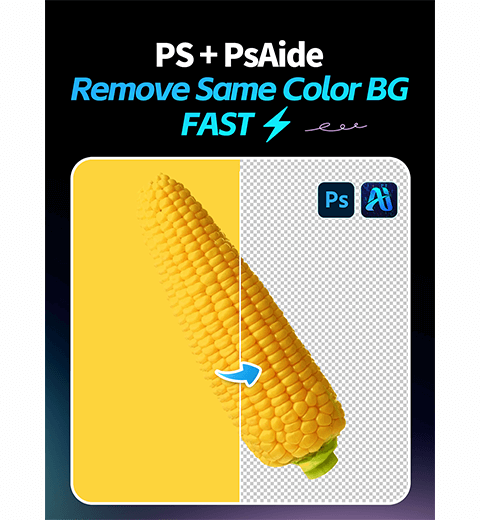
How to Use the Ai Background Remover in Photoshop for Easy Image Cutouts
This article uses the Background Remover tool in AI to…
-
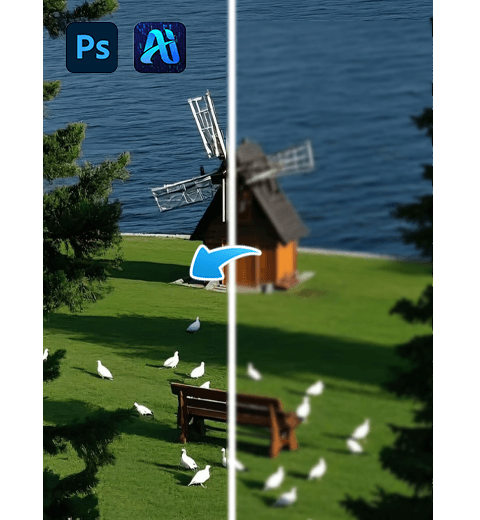
How to Fix Blurry Landscape Photos: 1 Click HD Restoration with Nano Banana Pro
Transform blurry landscape photos into sharp, high-definition images instantly.
-

How to Use Nano Banana Pro in Photoshop: Restore Blurry Portraits to HD Clarity
This guide compares two AI methods for restoring facial details…
-
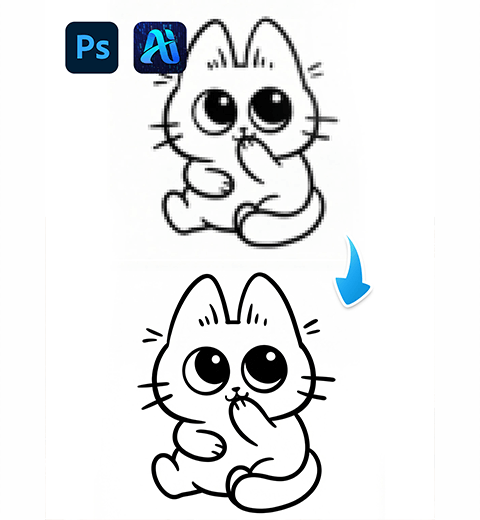
How to Use Nano Banana Pro in Photoshop: Instantly Upscale Low-Res Artwork to HD
Can AI truly add detail to a blurry or pixelated…