
Photoshop Tutorial
-
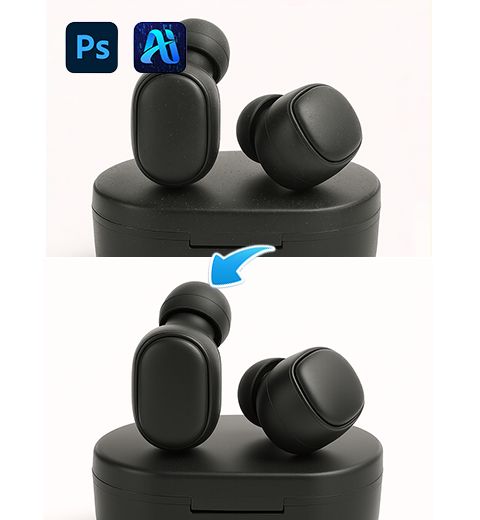
How to Retouch Product Images in PS? Nano Banana Pro Tutorial
Teaching you how to use Nano Banana Pro in Photoshop…
-
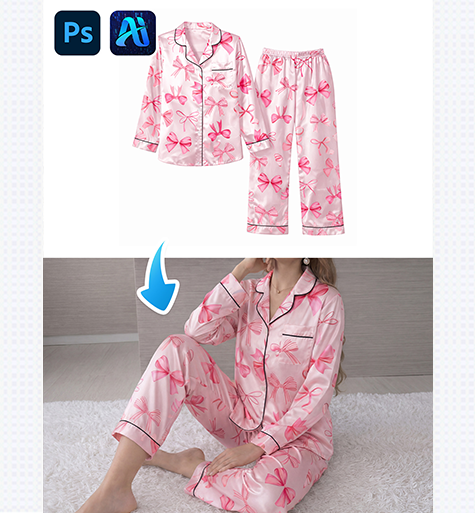
nano banana 4-Step Pajama Set Replacement for E-Commerce Images
Use nano banana in PsAide to replace pajama sets in…
-
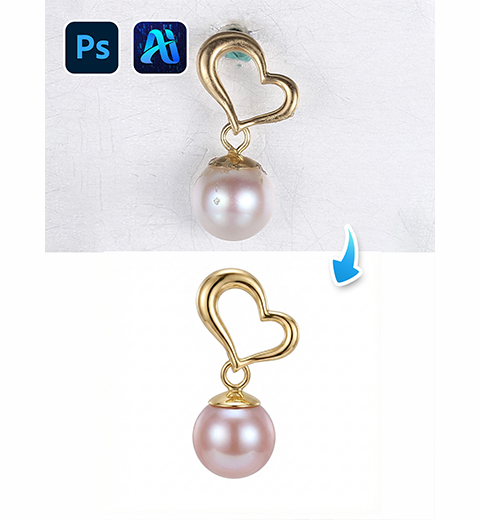
How to Retouch Earrings in 3 Steps with Photoshop Nano Banana Pro
Transform product photos into luxury-grade images: remove scratches, enhance details,…
-
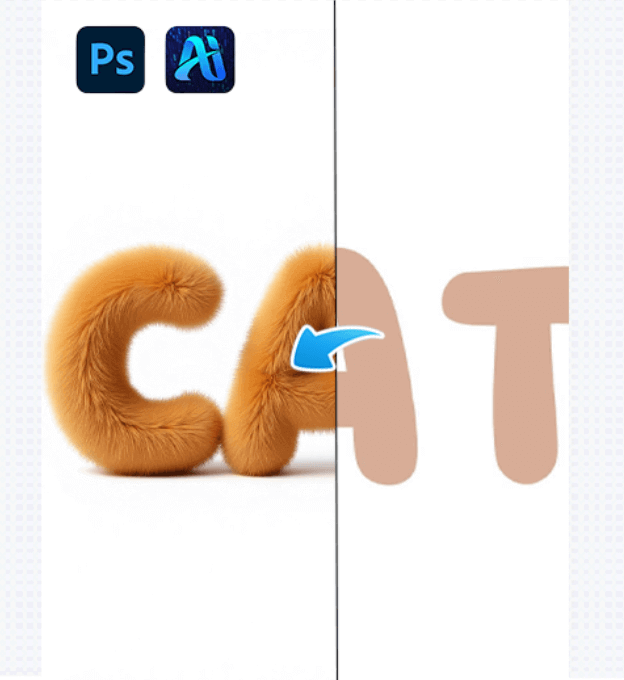
Create Fluffy “CAT” Text Effects in 3 Steps with AI Advanced Retouch
This article explains how AI Advanced Retouch with a PS…
-
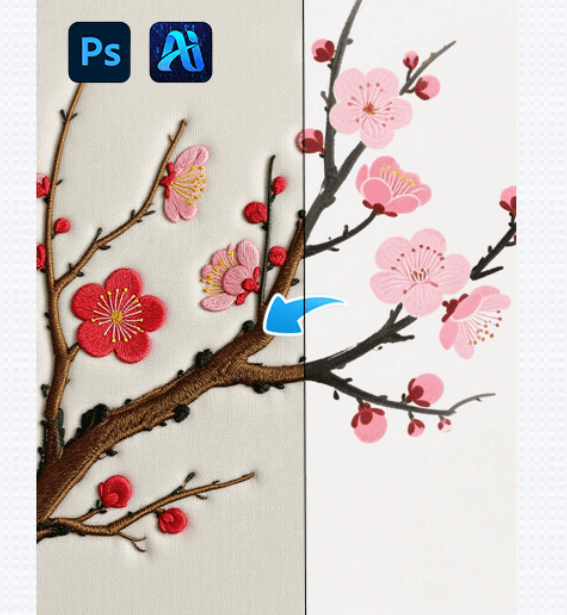
One-Click Embroidery Style Generation with AI Advanced Retouch in 3 steps!
This article introduces how AI Advanced Retouch enables one-click embroidery…
-
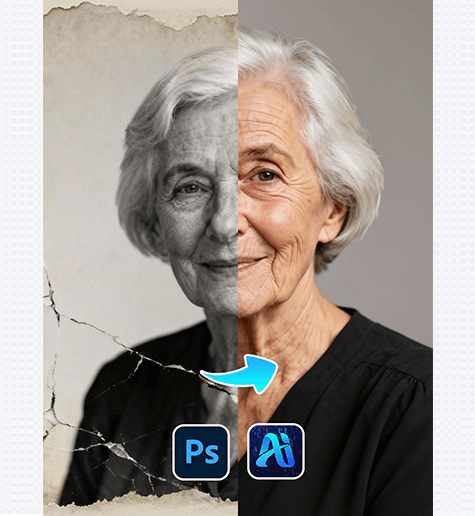
Old Photo Restoration: Revive Vintage Portraits with PSAide Plugin
Old Photo Restoration lets you repair faded, damaged, or blurry…
-
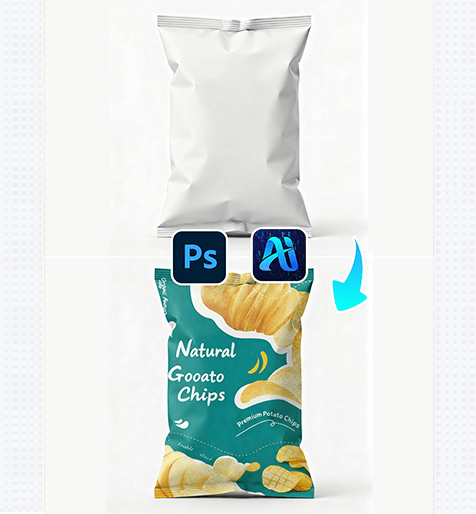
Nano Banana: Seamlessly Apply Graphics to Snack Packaging in 3 Steps
Nano Banana simplifies product design workflows by letting you add…
-
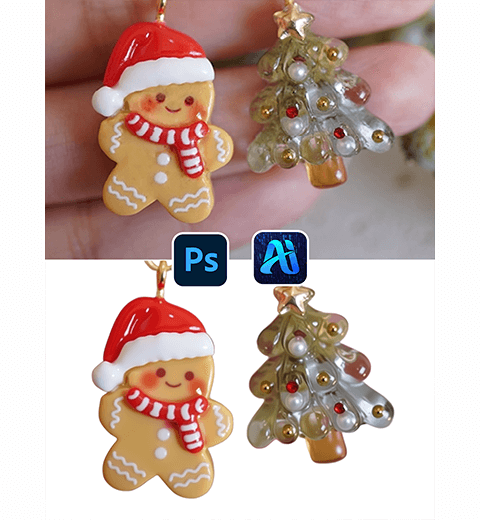
How to Retouch and Remove Backgrounds from Jewelry Photos Using Photoshop AI Tools
This tutorial shows you how to enhance Christmas earrings and…
-
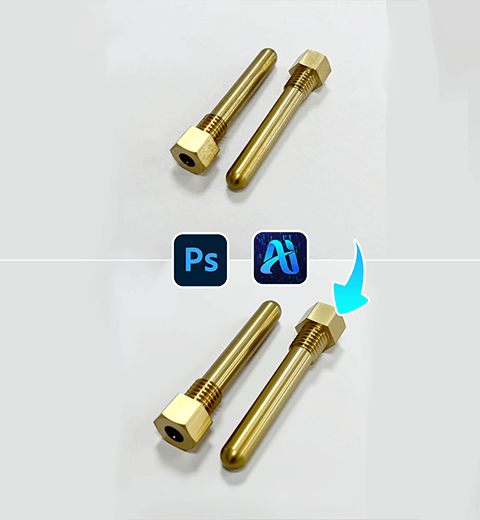
Product Retouch Made Easy for Hardware: Try This PS Plugin
Use the PSAIDE plugin to perfect hardware product retouching
-
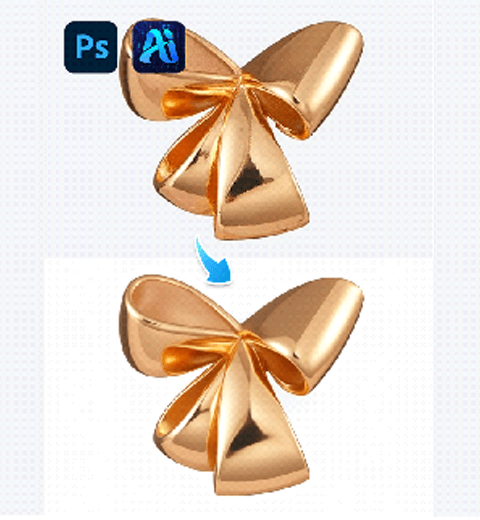
AI Photo Editing: 1-Click Metal Jewelry Retouch by PsAide
One-Click Metal Jewelry Retouch | AI Editing with PsAide