Photoshop Tutorial
-
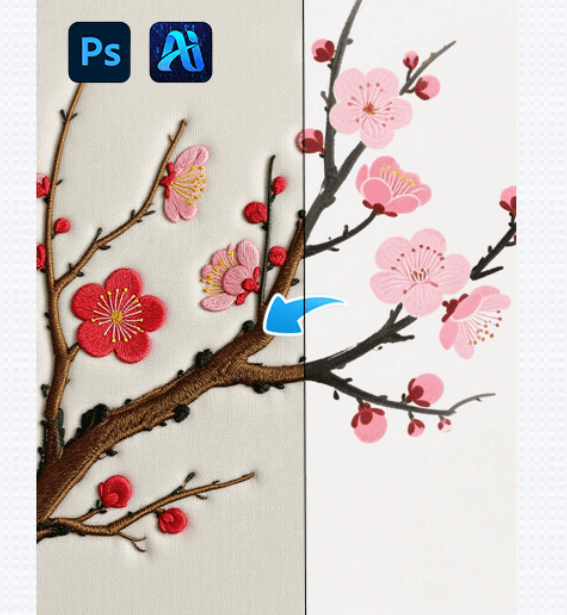
One-Click Embroidery Style Generation with AI Advanced Retouch in 3 steps!
This article introduces how AI Advanced Retouch enables one-click embroidery…
-
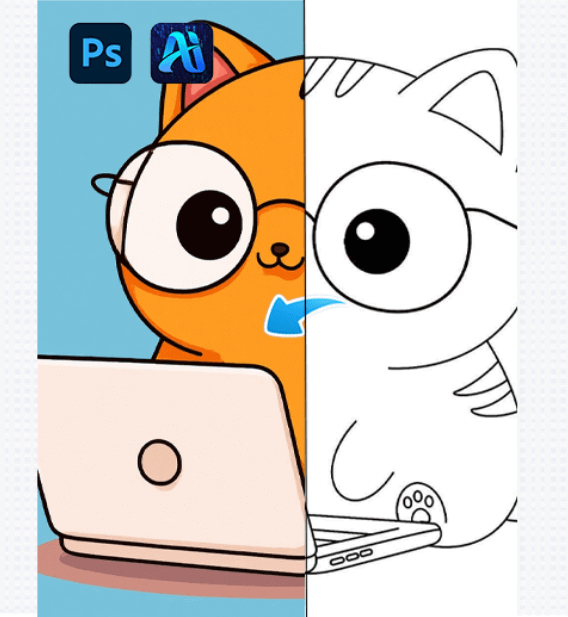
Three Major Pain Points That Limit Line Art Coloring Efficiency? Efficient Cracking with AI Advanced Retouch + PS Plugin
This article shows how AI Advanced Retouch with a PS…
-
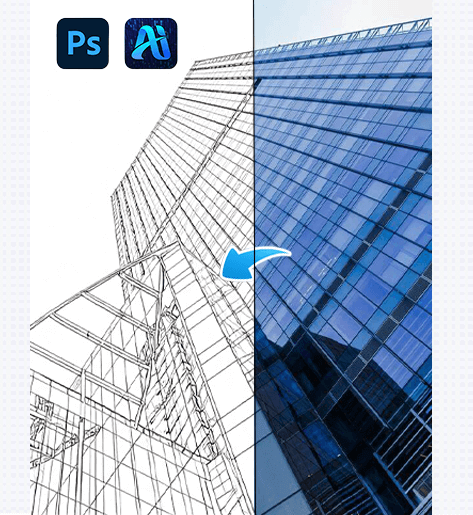
Goodbye Manual Tracing! PsAide Plugin + AI Advanced Retouch: 3 Steps to Convert Real Scene Pictures into Line Drawings
This article explains how AI Advanced Retouch with the PsAide…
-
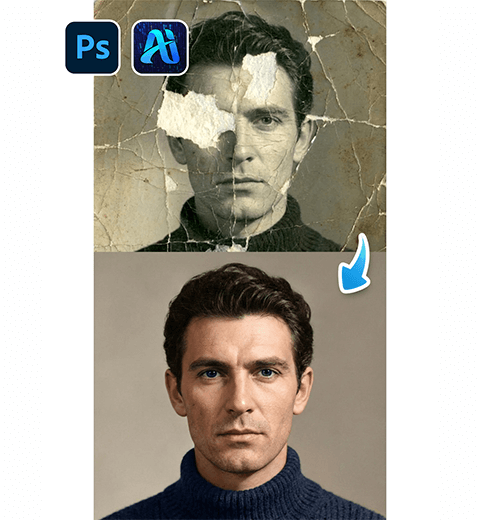
How to Restore Damaged Old Photos with Photoshop Nano Banana Pro
Revive your precious memories in minutes. Learn how to use…
-
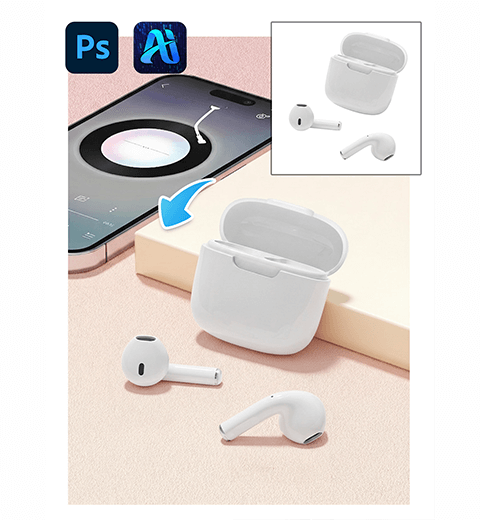
30s | How to Place Product into Scenes with Photoshop Nano Banana
Learn how to create realistic product composites by placing headphones…
-
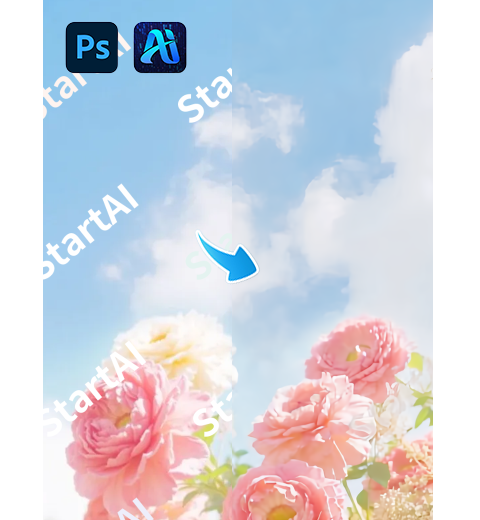
How to Remove Unwanted Text from Images in Ps
Nano Banana for translucent watermarks and AI Advanced Retouch for…
-
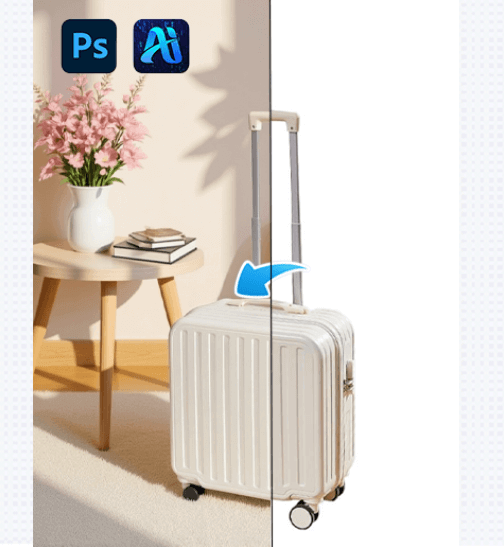
AI Advanced Retouch PsAide Plugin: 3 Steps to Add Background to White Background Suitcase Images
Use AI Advanced Retouch with the PsAide Photoshop plugin to…
-
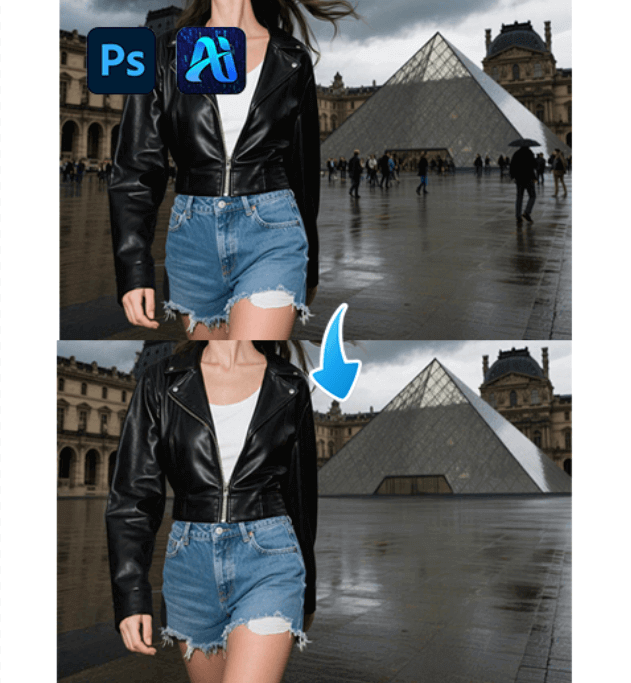
AI Advanced Retouch Made Easy: Remove Passers-By from Photos in 3 Simple Steps with PsAide
This article introduce the AI Advanced Retouch, removing unwanted passers-by…
-
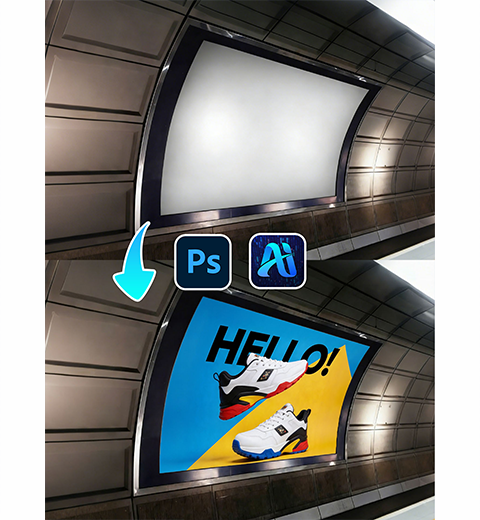
How to Place Ads on Curved Screens with Nano Banana
Visualizing an advertisement on a curved subway screen or digital…