
Photoshop Tutorial
-

How to Use Nano Banana in Photoshop: Replace Shoes in 3 Simple Steps
Why is replacing shoes on a model so difficult in…
-
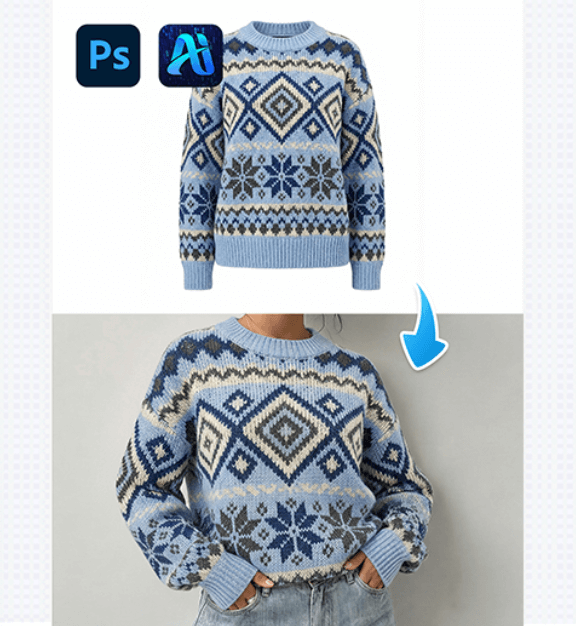
PSAide’s Nano Banana: Swap Outfits on Models Effortlessly in 3 steps
Nano Banana lets you replace a model’s outfit with a…
-
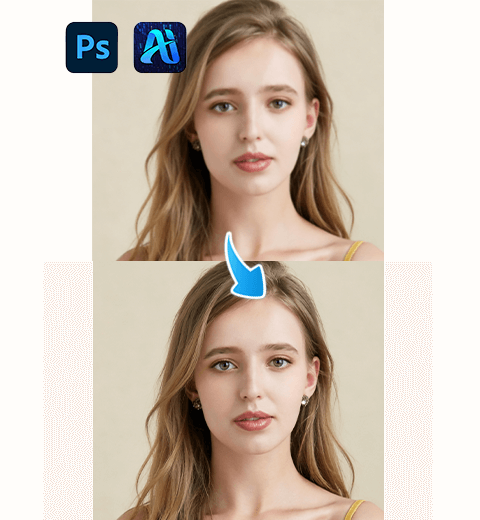
How to Use Nano Banana Pro in Photoshop: Restore Blurry Photos to HD Quality
Learn how to enhance details, sharpen focus, and restore clarity…
-
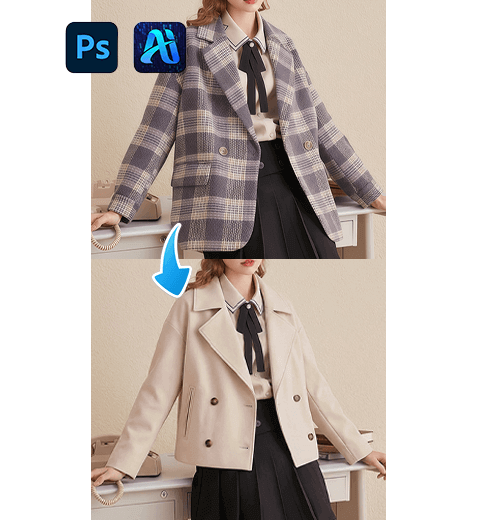
PSAide’s Nano Banana Pro: Swap Outfits on Models Seamlessly in 3 steps
Nano Banana Pro simplifies fashion styling edits by replacing garments…
-
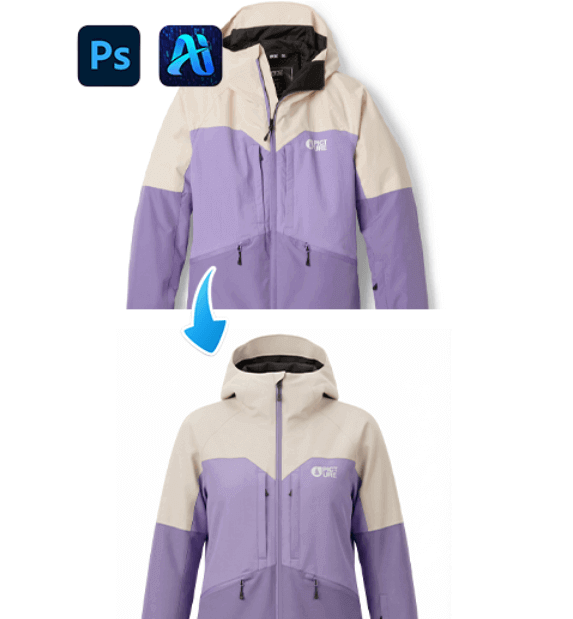
Nano Banana Pro: Remove Clothing Wrinkles & Fix Garment Fit Seamlessly in 3 steps!
Nano Banana Pro simplifies apparel retouching by erasing wrinkles and…
-
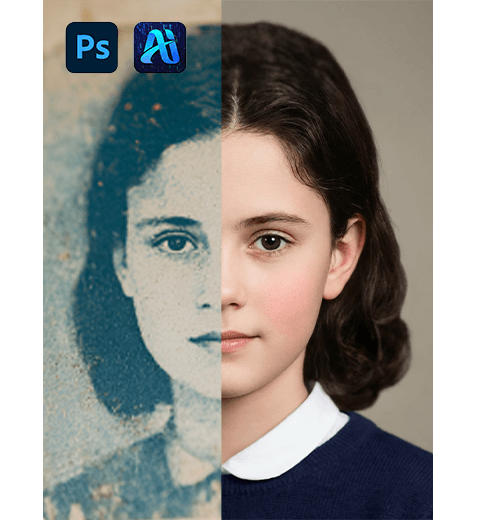
How to Use Nano Banana Pro in Photoshop: Restore and Colorize Old Photos
Bring old photos back to life! Learn how to use…
-

Nano Banana: Swap Christmas Headbands on Models Seamlessly in 3 steps
Nano Banana simplifies festive styling edits by letting you replace…
-
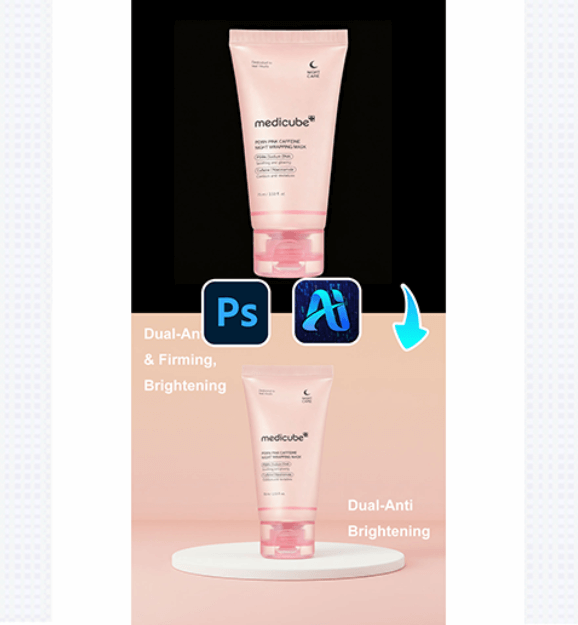
Create Skincare Product Posters Effortlessly with Nano Banana in 3 steps
Nano Banana simplifies skincare marketing design by generating cohesive, eye-catching…
-
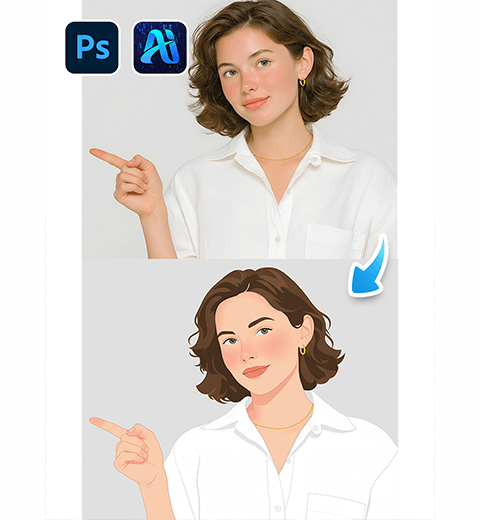
How to Use Nano Banana in Photoshop: Transform Photos into Flat Illustrations
Learn how to convert portrait photos into artistic vector-style artwork…
-
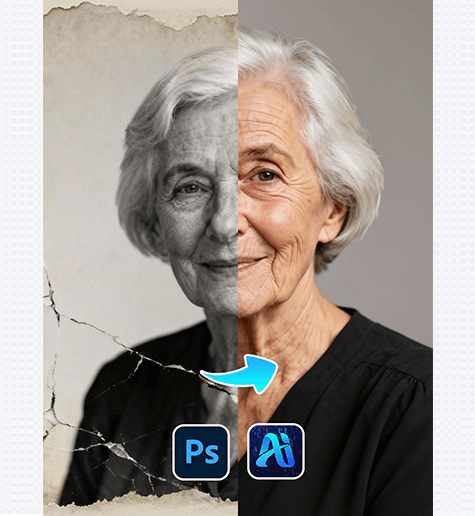
Old Photo Restoration: Revive Vintage Portraits with PSAide Plugin
Old Photo Restoration lets you repair faded, damaged, or blurry…