
Photoshop Tutorial
-
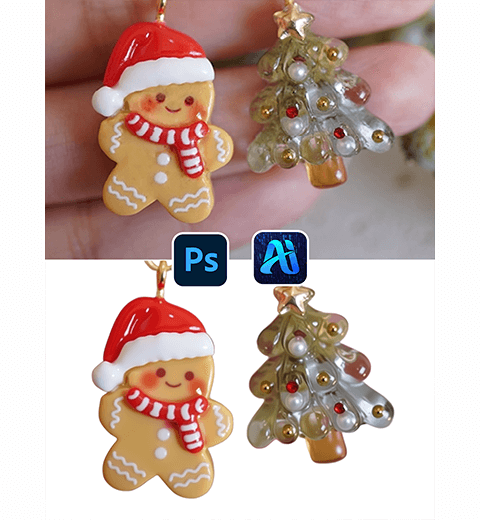
How to Retouch and Remove Backgrounds from Jewelry Photos Using Photoshop AI Tools
This tutorial shows you how to enhance Christmas earrings and…
-
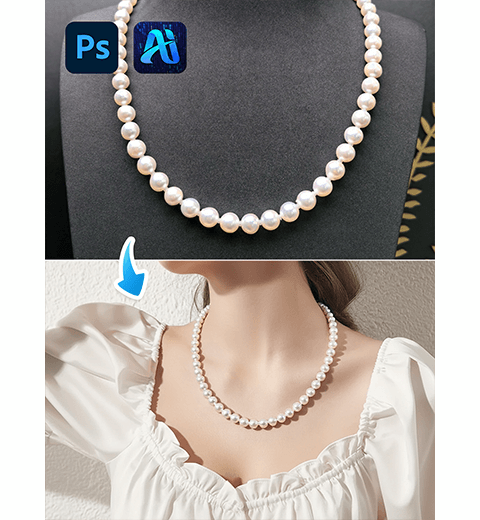
How to Use PS AI Image Blending for Realistic Jewelry Photography
This tutorial shows you how to add necklaces to photos…
-
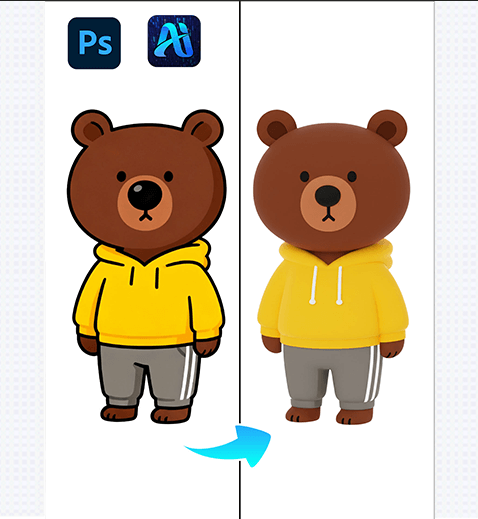
Nano Banana Retouching Unlocks Creative Depth, 3 Steps to Convert 2D Flat IP Characters to 3D!
Nano Banana retouching technology, seamlessly integrated with the PSAide Plugin,…
-
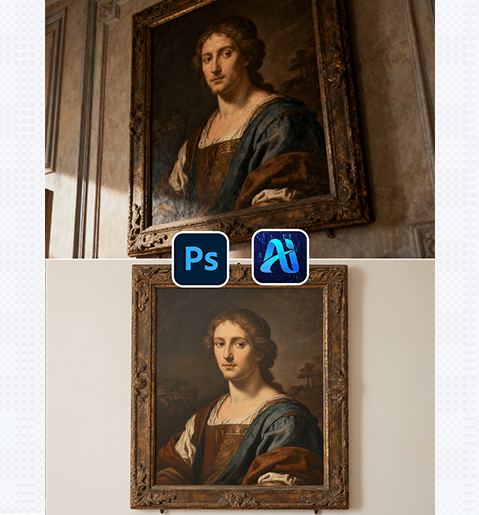
Nano Banana Retouching Simplifies Digital Archiving, 3 Steps to Turn Photographed Artworks into Clean Flat Lay Images!
Nano Banana retouching technology offers a streamlined solution for transforming…
-
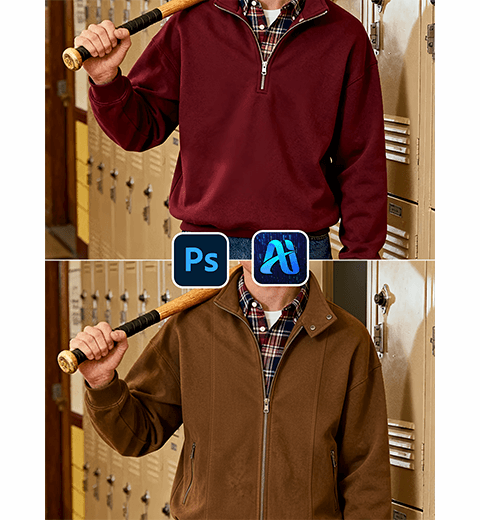
How to Use Nano Banana in PS: AI-Powered Jacket Replacement for Fashion Photos
This tutorial shows you how to swap clothing items with…
-
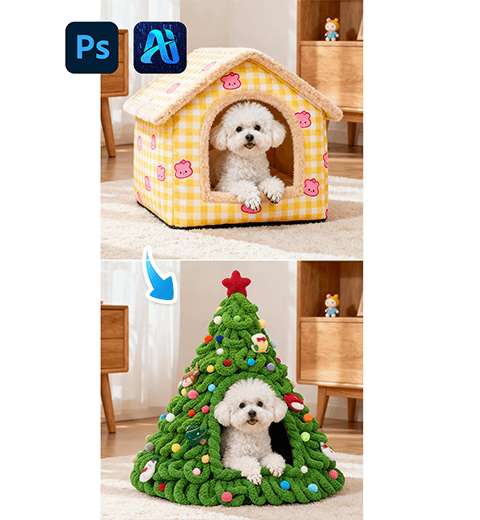
How to Use Nano Banana in PS: Create the Perfect Christmas Pet Photo with AI
This tutorial shows you how to replace any doghouse with…
-
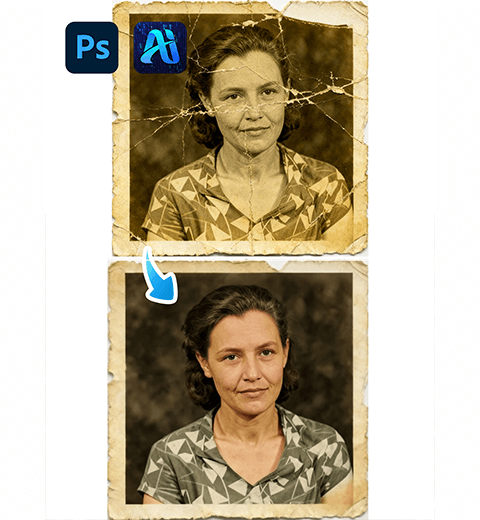
How to Restore Old Photos in Photoshop: The AI-Powered One-Click Solution
Discover how to restore damaged old photos in Photoshop with…
-
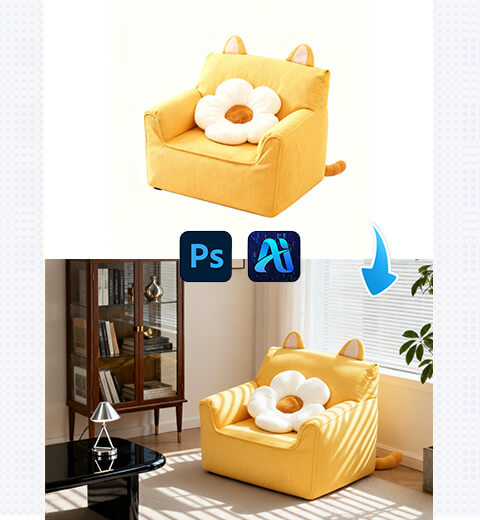
How to Edit Photo on Nano Banana: Replace Sofa with Suitable Scenes with AI Photo Editing
How to use Nano Banana to change the background of…
-
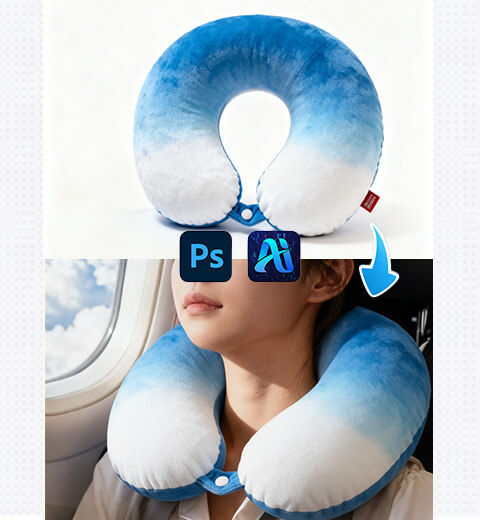
How to Edit Photo on Nano Banana: Replace Model’s U-Shaped Pillow with AI Photo Editing
How to use Nano Banana to replace U-shaped pillows on…
-
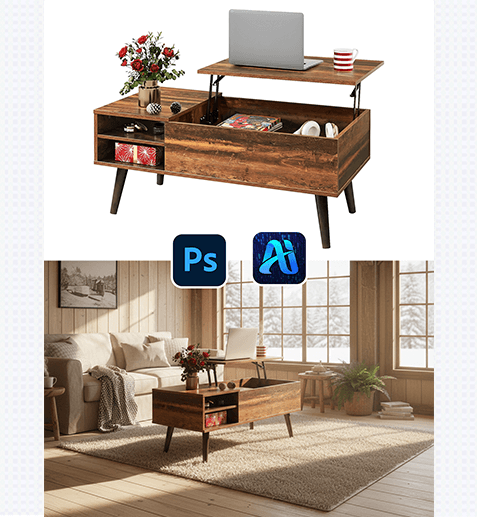
Nano Banana Magic: 3 Steps to Turn Plain White-Background Furniture into Stunning Home Settings!
Nano Banana retouching technology offers a precise and efficient solution…