Table of Contents
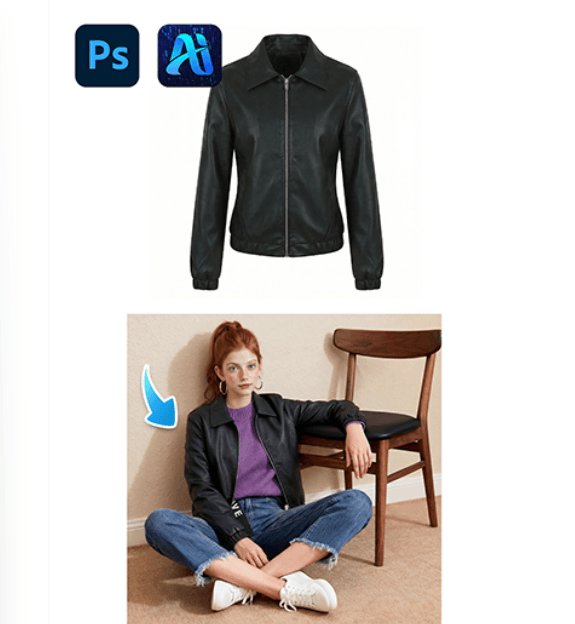
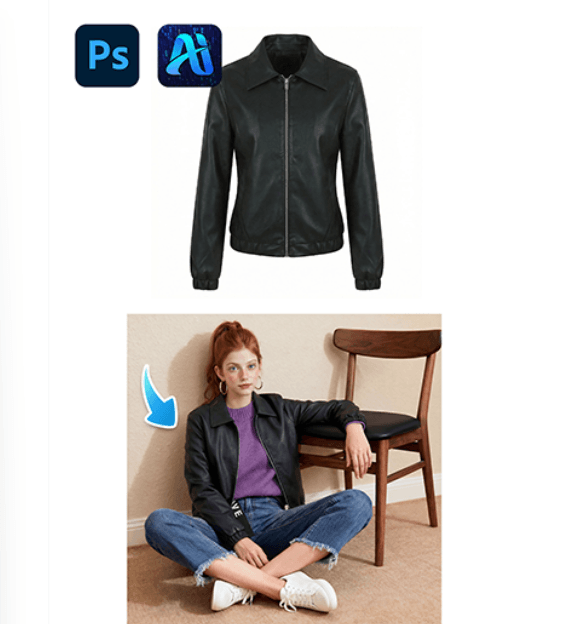
Denim jackets are a classic piece in casual fashion, streetwear campaigns, and eCommerce product displays. Instead of organizing new photoshoots for every denim jacket design, creators can use nano banana in the PsAide plugin to place a denim jacket directly onto a model in an existing scene image.
With AI-powered scene understanding, nano banana analyzes body posture, shoulder alignment, and lighting direction to integrate the denim jacket naturally. By simply uploading the product image and the model image, users can generate realistic outfit visuals without manual masking.
1. nano banana Advantages for Denim Jacket Outfit Transfer
(1)Faster Fashion Content Production
Traditional garment editing requires manual masking and compositing, which can take significant time and effort.
(2)AI-Powered Clothing Integration
nano banana automatically adjusts the denim jacket’s fit, sleeve alignment, and folds to match the model’s posture and the scene’s lighting.
2. nano banana 3-Step Workflow for Denim Jacket Transfer
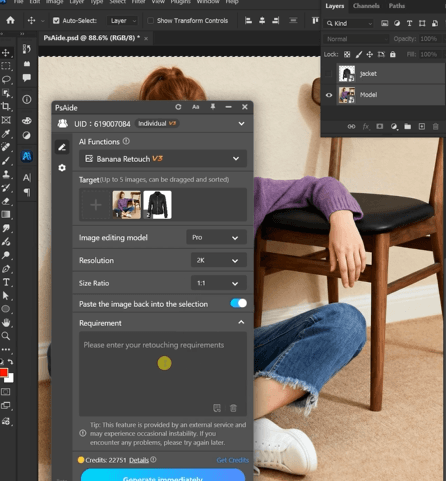
(1)Upload the Model Image and Denim Jacket Product Image
① Open the PsAide plugin panel.
② Upload the model scene image.
③ Upload the denim jacket product image.
The nano banana system analyzes both images to understand garment structure and body posture.
(2)Enter a Prompt
① Describe the denim jacket style and color.
② Mention realistic fabric folds and natural lighting.
③ Keep the prompt clear and descriptive.
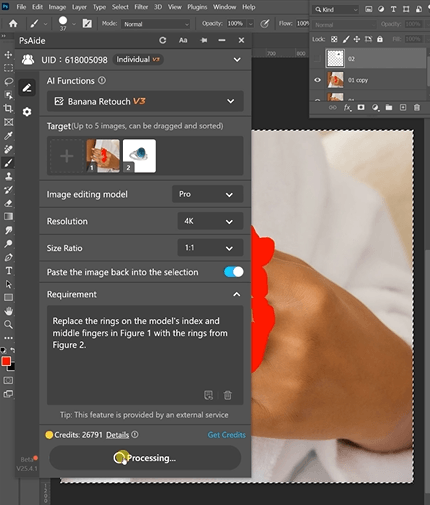
Example prompt:
“Replace the rings on the model’s index andmiddle fingers in Figure 1 with the rings from
Figure 2.”
(3)Click Generate
① Click Generate in nano banana.
② Review the denim jacket fit and sleeve alignment.
③ Regenerate if adjustments are needed.
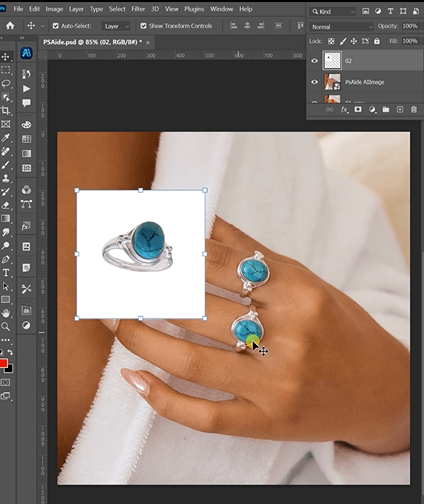
3. Natural Clothing Integration
(1)Realistic Fabric Structure
nano banana maintains denim texture, seams, and natural folds.
(2)Lighting and Shadow Matching
The generated jacket adapts to the scene’s lighting direction and depth.
4. Practical Use Scenarios
(1)Fashion eCommerce Product Images
Quickly generate model-wearing visuals for denim jackets.
(2)Streetwear Marketing Campaigns
Create multiple outfit visuals using a single model photo.
5. Summary
With simple image uploads and prompt-based generation, nano banana provides a fast and efficient way to place denim jackets onto models without complex masking or manual editing.

Download Link: https://psaide.com/?sfrom=ZfhxUK
Invitation Code: ZfhxUK