
Table of Contents
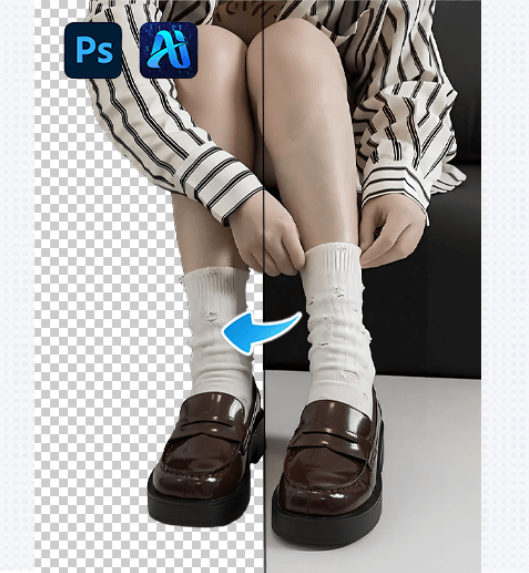
For beginners using Photoshop, background remover is often one of the most challenging tasks. Many users find that while Photoshop offers many tools, the actual workflow can feel slow and confusing.
If your goal is simple: 👉 remove a background quickly and get a usable result, this quick guide is for you.
1.Common Background Removal Methods for Beginners
(1)Quick Selection Tool
Best for images with simple backgrounds and clear contrast. Easy to use, but limited when it comes to fine details.
(2)Magic Wand Tool
Works well for solid-color backgrounds, especially product images, but performs poorly on complex scenes.
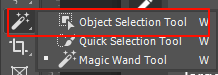
(3)Select Subject
Automatically detects the main subject with one click, but usually requires manual refinement afterward.
These methods all work, but they can be slow when efficiency matters.
2.The Fastest Background Removal Solution for Beginners
If you want to remove backgrounds without learning complex tools, the Background Remover feature in the psaide plugin is a faster option.
psaide is a plugin built directly into Photoshop, allowing you to remove backgrounds without leaving your PS workflow.
3.How to Remove Backgrounds with psaide in 3 Steps
(1)Place the Image on the Photoshop Canvas
Drag the image into Photoshop or open it normally.
(2)Open the psaide Plugin
Choose either Layer Upload Mode or Canvas Selection Mode.
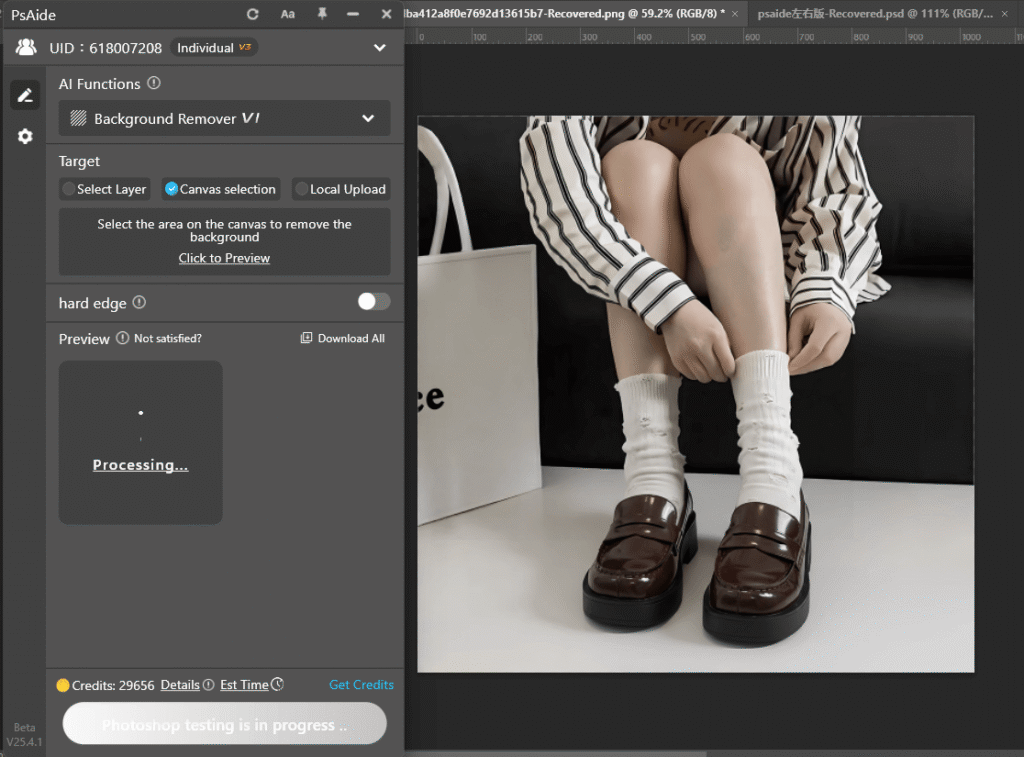
(3)Click Generate
psaide automatically detects the subject and removes the background.
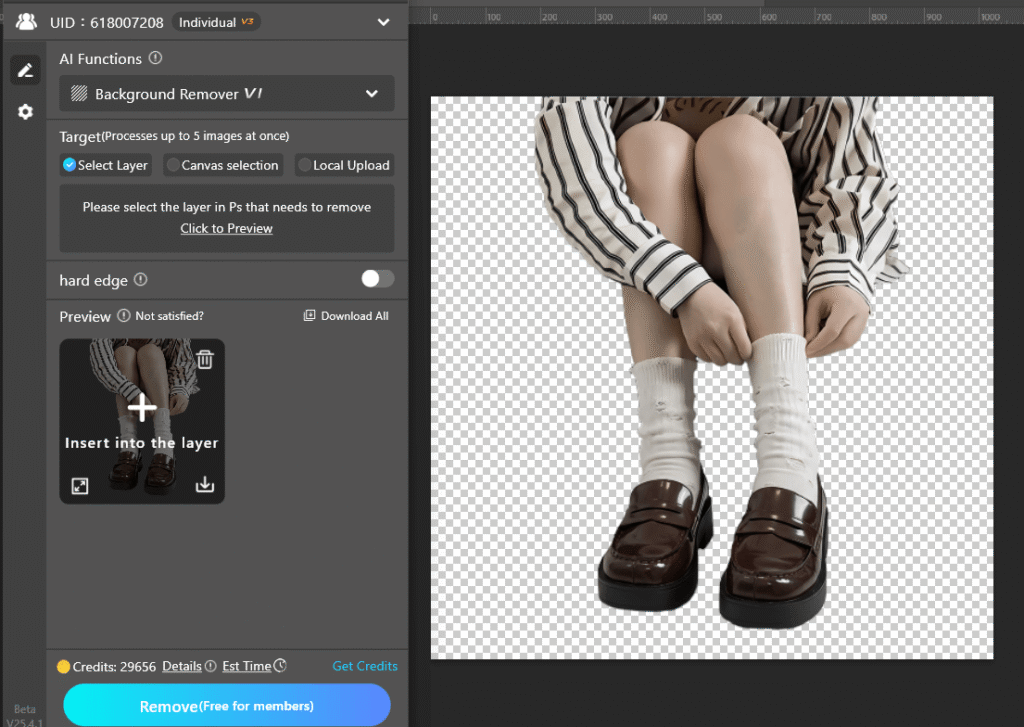
No manual outlining or repeated edge refinement is required, making it ideal for beginners.
4.Who Is This Method Best For?
- Photoshop beginners
- E-commerce sellers
- Content creators
- Users who need fast background removal
If you often search for “Photoshop background removal” or “remove background in PS”, this workflow can save you a significant amount of time.
5.Summary
Photoshop offers multiple ways to remove backgrounds, but for beginners, speed and simplicity matter most. By combining basic Photoshop tools with the psaide Background Remover, you can achieve clean results faster and focus more on creative work.
Download Link: https://psaide.com/?sfrom=ZfhxUK
Invitation Code: ZfhxUK

