
Table of Contents
In Photoshop post-processing, low-resolution or blurry images are a common issue. Traditional methods often fall short, but PSAide’s Nano Banana Pro uses AI enhancement to quickly restore blurry images to high-definition quality.
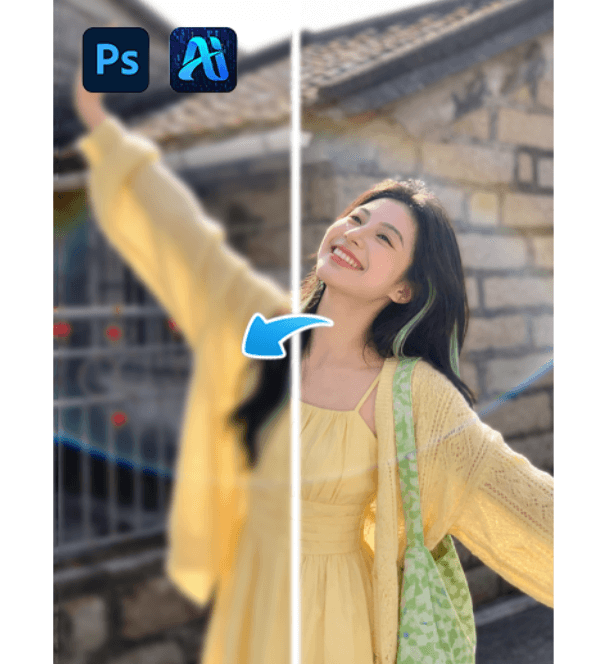
1.why Choose Nano Banana Pro for HD Restoration
①AI-Driven Enhancement: Nano Banana Pro uses AI to intelligently restore details in low-res images, ensuring realistic and high-quality results.
②One-Click Solution: Easily restore blurry images with a single click, saving time without the need for manual adjustments.
③Batch Processing: Efficient for processing multiple images, ideal for photographers, designers, and e-commerce businesses.
2.How to Use Nano Banana Pro for HD Restoration
①Prepare Your Image: Open the blurry image in Photoshop, adjust brightness and contrast if necessary.
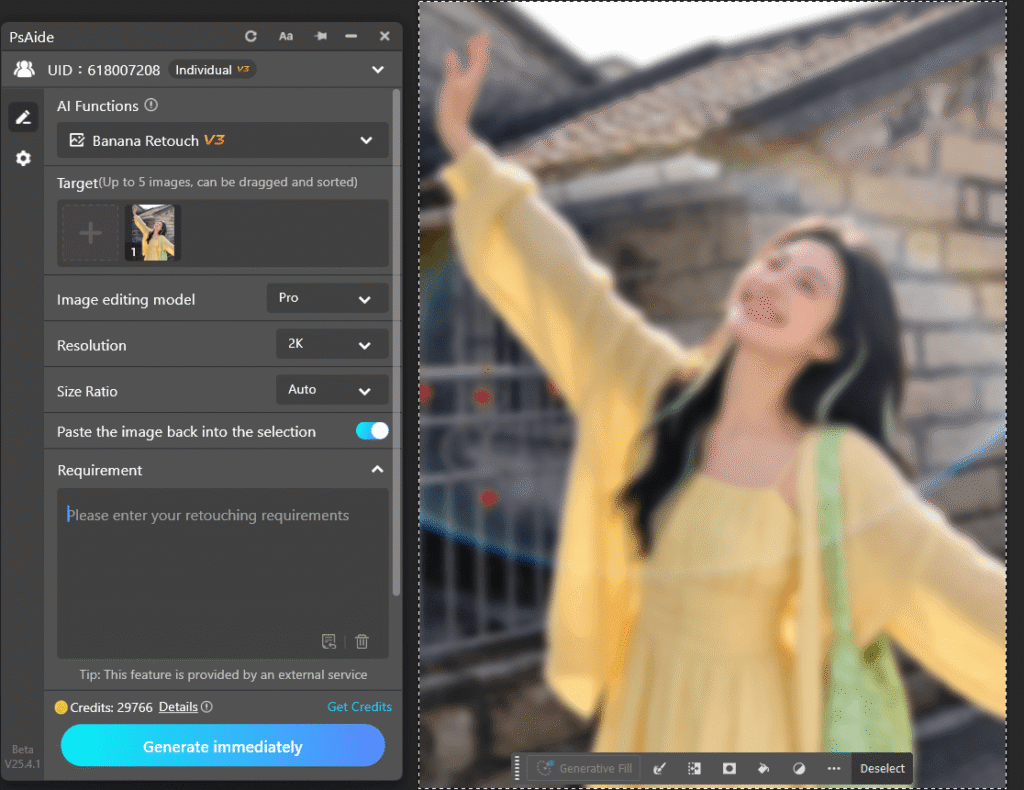
②Activate PSAide Plugin: Launch the PSAide plugin, select Banana retouch.import the low-resolution or blurry image into the plugin
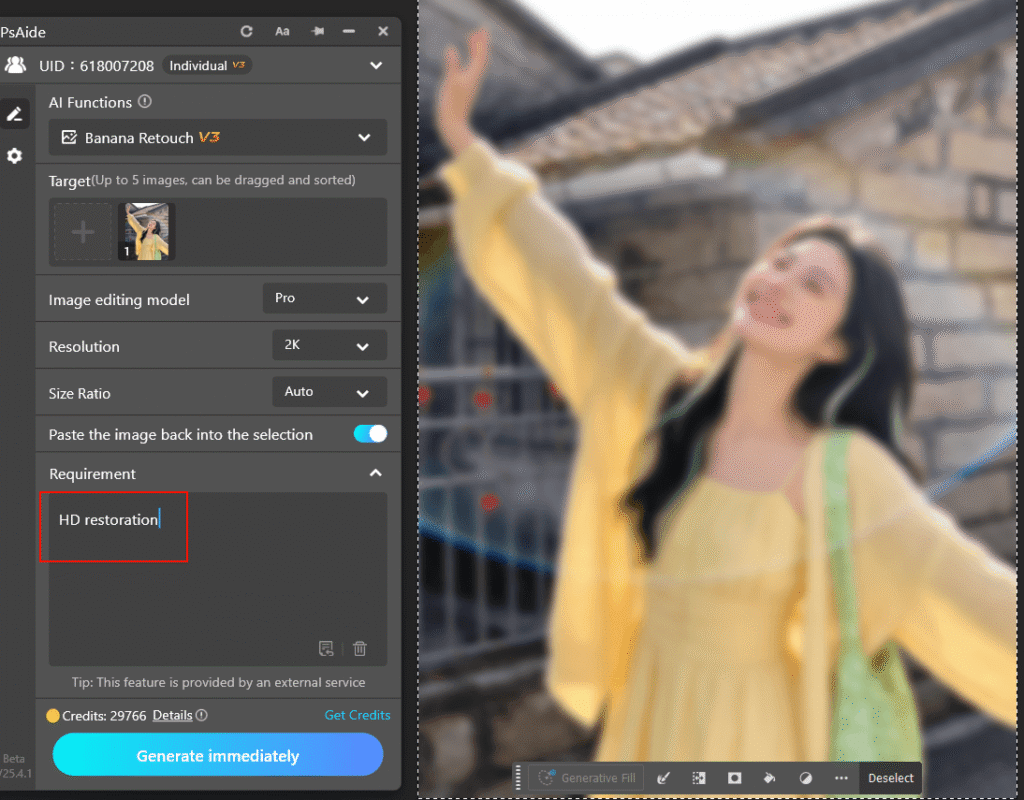
③Generate HD Image:Enter the prompt “HD restoration”.
④Export: Fine-tune if needed and export the HD image as PNG or JPEG.
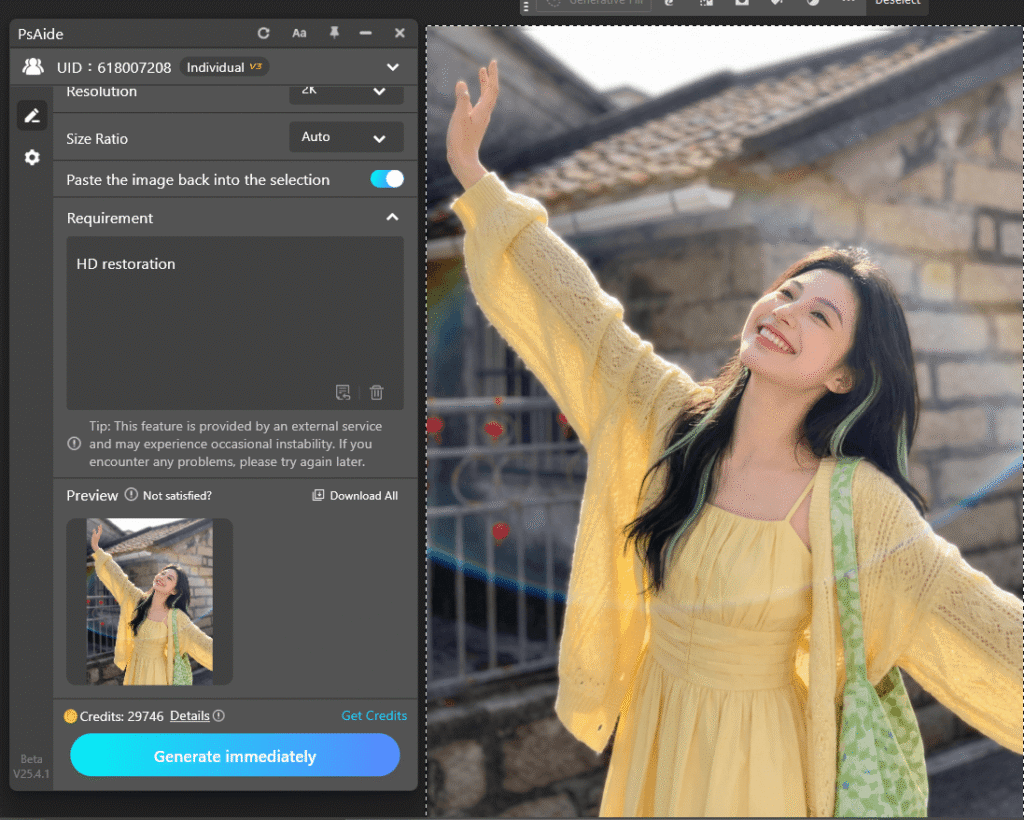
3.Benefits of Using PSAide for HD Image Restoration
①Easy to Use: One-click process and automatic restoration.
②Fast and Efficient: Significantly reduces the time spent on image enhancement.
③Professional Quality: Ideal for high-quality image restoration in photography, design, and e-commerce.
4.Conclusion
PSAide’s Nano Banana Pro makes restoring blurry and low-resolution images effortless. With its AI-powered features, you can quickly enhance image quality without the hassle of manual adjustments.
Whether you’re working with personal photos, e-commerce assets, or design work, PSAide is the go-to tool for quick and professional results.
Download PSAide plugin now and experience the power of AI-driven image restoration!
Download Link: https://psaide.com/?sfrom=ZfhxUK
Invitation Code: ZfhxUK

