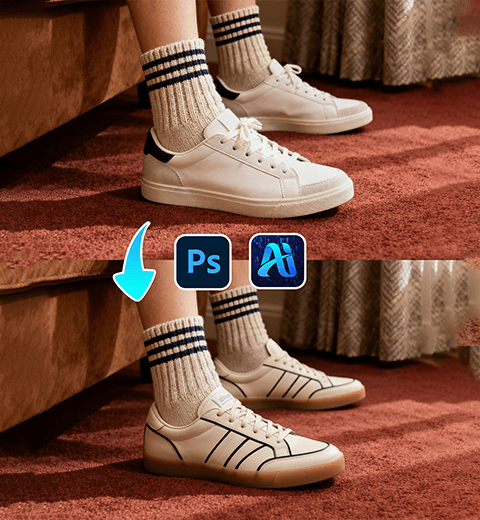
Photoshop Tutorial
-
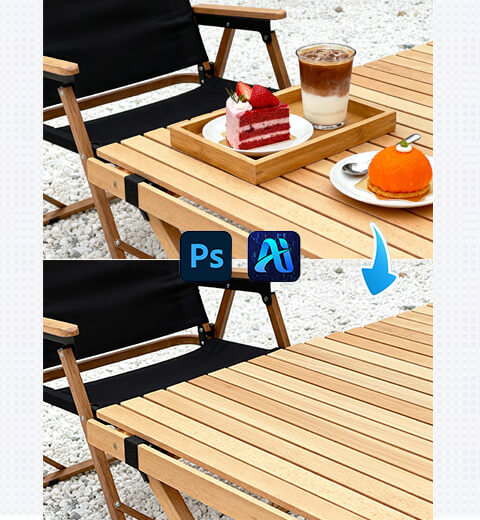
How to Edit Photo on Nano Banana: Remove Specified Items with AI Photo Editing
How to use nano banana to remove specified items in…
-
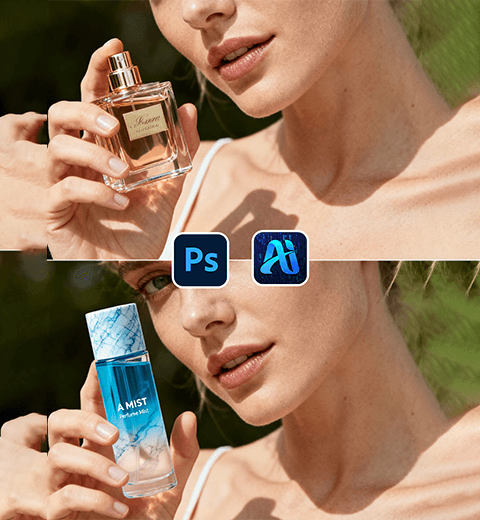
Swap Model’s Cosmetics Fast with Nano Banana: E-Commerce Game-Changer!
Using the Nano Banana feature in the PSAide plugin to…
-
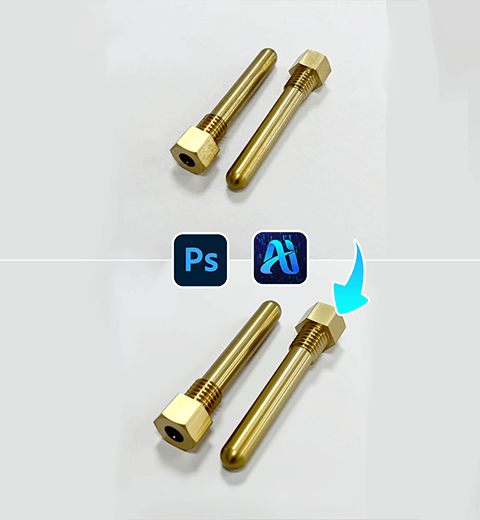
Product Retouch Made Easy for Hardware: Try This PS Plugin
Use the PSAIDE plugin to perfect hardware product retouching
-
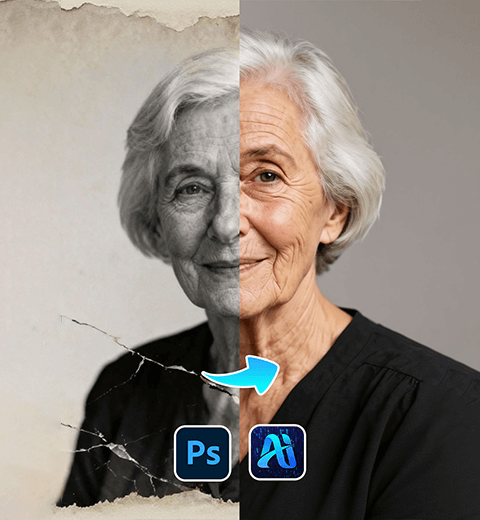
Old Photo Restoration Made Easy: Fix Vintage Pics with PsAide Plugin!
Detailed Guide on Restoring Old Photos in Photoshop Using the…
-
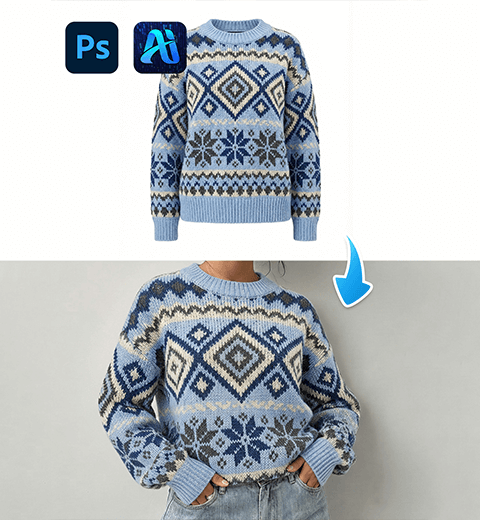
Nano Banana: Swap Christmas Sweaters for Models—Holiday E-Commerce Hack That Saves the Day!
In Photoshop, using Nano Banana to change the model’s Christmas…
-
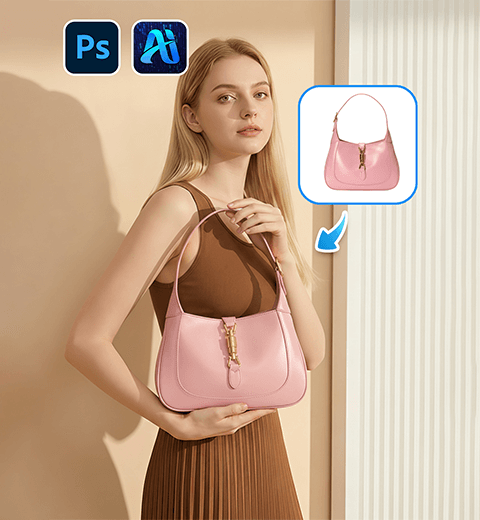
Effortless Product Image Swaps with Nano Banana: A Game-Changer for E-Commerce Visuals
This guide helping you master virtual outfit changes and tap…
-
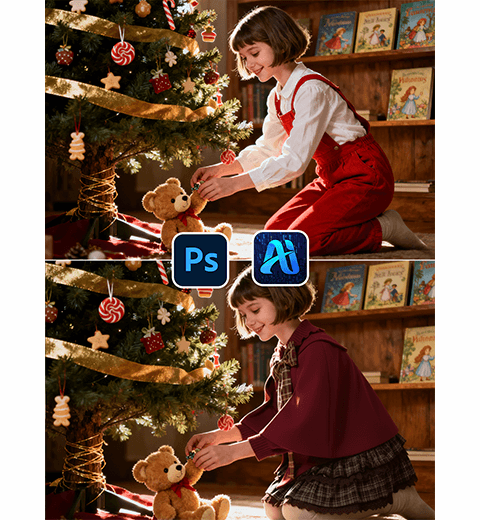
How to Use Nano Banana in PS: Create Festive Christmas Photos with AI Costume Magic
Learn how to use Nano Banana in Photoshop to add…
-
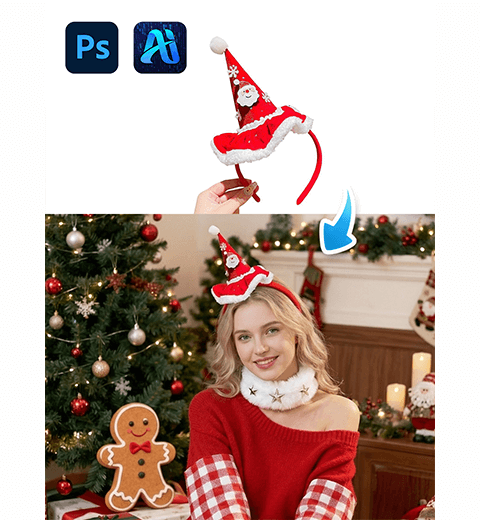
How to Use Nano Banana in PS: Add Christmas Headbands to Photos in 3 Easy Steps
This simple tutorial shows you how to create holiday-themed portraits…
-
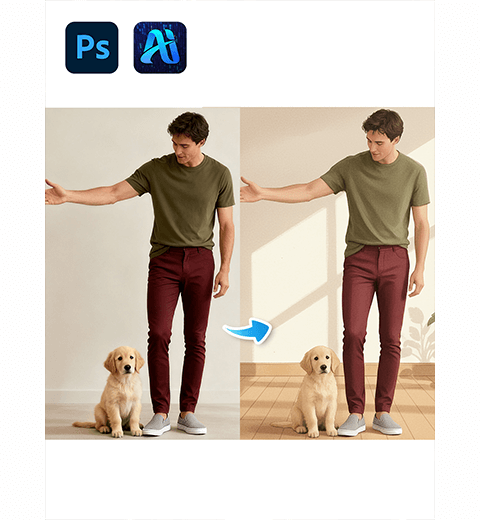
PS AI Tutorial: How to Create Studio Miyazaki-Style Art with Nano Banana
Learn how to use Nano Banana in Photoshop to convert…