
Photoshop Tutorial
-
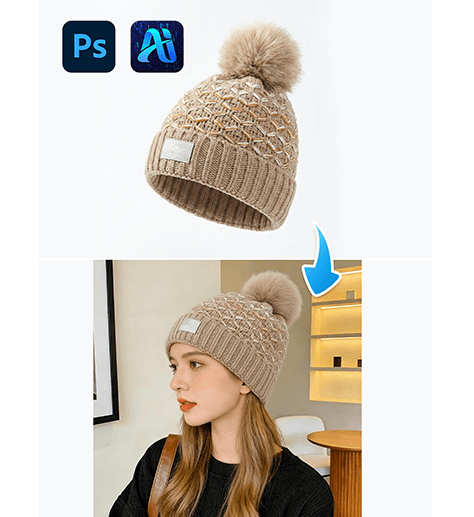
3-Step nano banana Hat Replacement: Swap Hats on Models Naturally with PsAide
Use PsAide’s nano banana technology to seamlessly replace hats on…
-
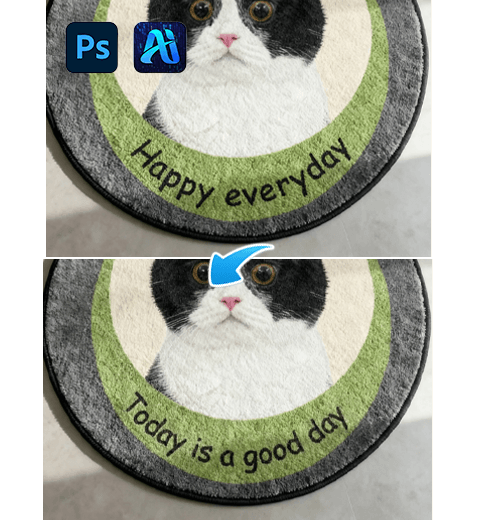
How to Edit Text on Images in Photoshop? Nano Banana Pro in One Click
It details the limitations of traditional Photoshop editing methods and…
-
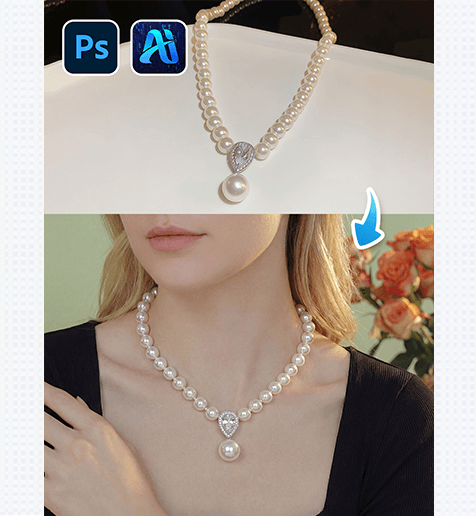
3-Step nano banana Necklace Placement: Add Realistic Necklaces to Models with PsAide
Use PsAide’s nano banana technology to add realistic necklaces to…
-
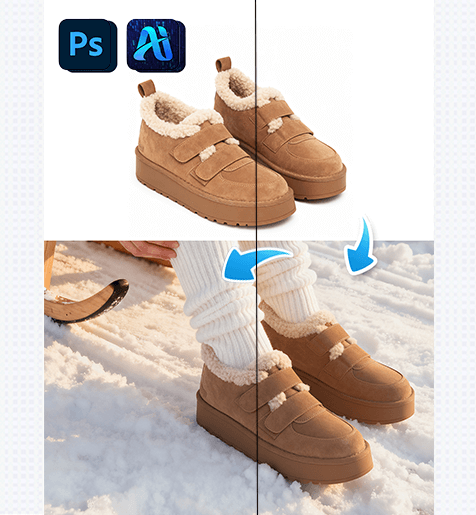
3-Step nano banana Snow Boot Replacement: Swap Winter Boots on Models with PsAide
Use PsAide’s nano banana technology to seamlessly replace snow boots…
-

How to Create Gradient Effects in PS: Nano Banana One-Click Generation
Tired of tricky color matching and tedious parameter tweaks for…
-
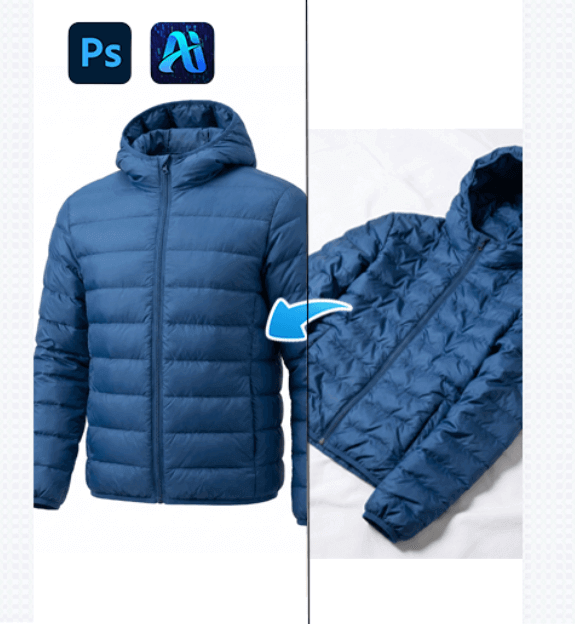
1 Nano Banana Simple Methods to Remove Clothing Wrinkles in Photoshop with PsAide
Nano banana powered by PsAide offers a simple and efficient…
-
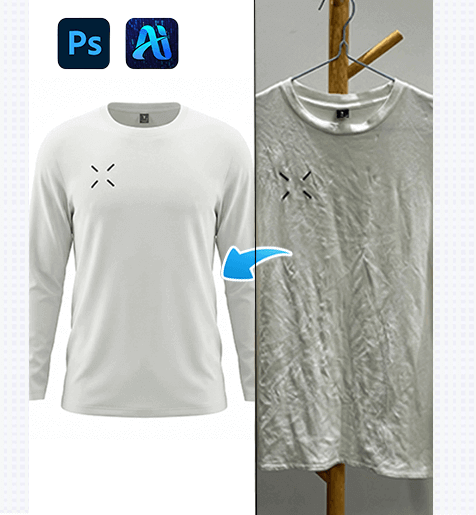
Nano Banana Methods to Remove Wrinkles from Patterned Clothes in 3 Steps with PsAide
Remove wrinkles from patterned clothes in Photoshop using nano banana…
-
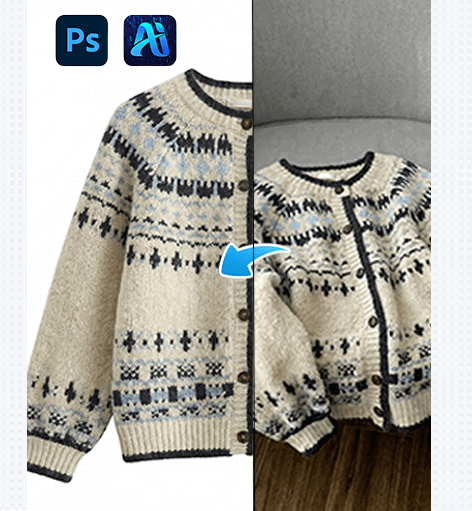
Nano Banana Techniques to Remove Wrinkles from Clothes in Photoshop with PsAide
Nano banana is an advanced AI-based image editing approach designed…
-
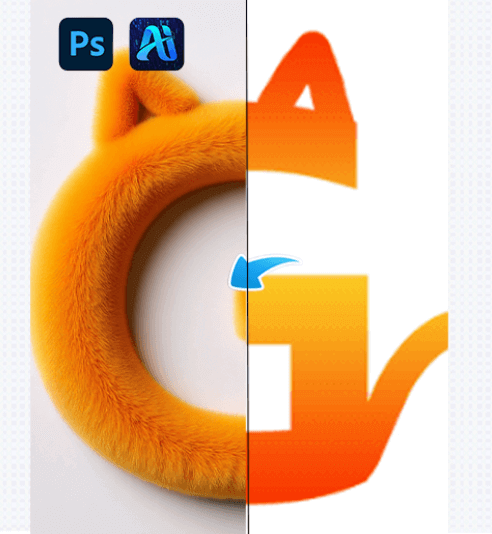
3 Steps to Achieve Perfect AI Advanced Retouch for Text with a Plush Effect!
AI advanced retouch technology has rapidly advanced, enabling the precise…
-
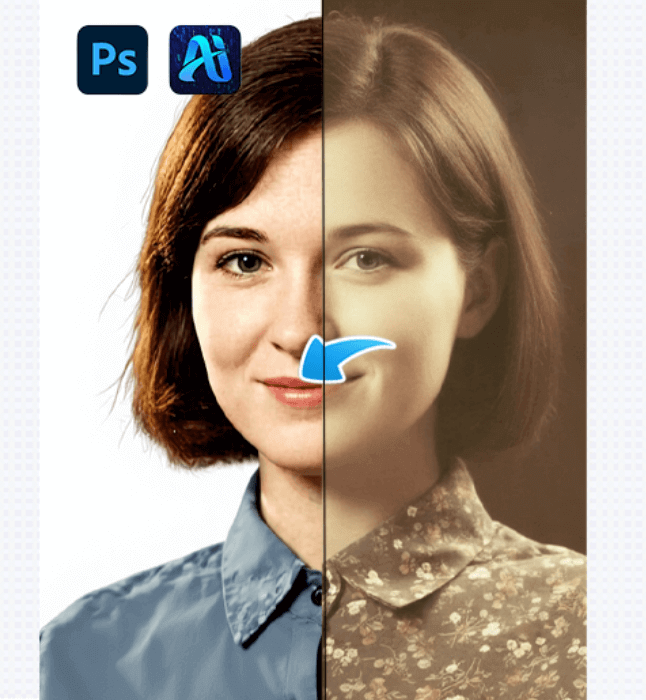
Say Goodbye to Restoration Challenges! 4 Breakthroughs in AI Advanced Retouch Bring New Life to Old Photos
AI advanced retouching in PsAide restores old photos with speed…