Photoshop Tutorial
-
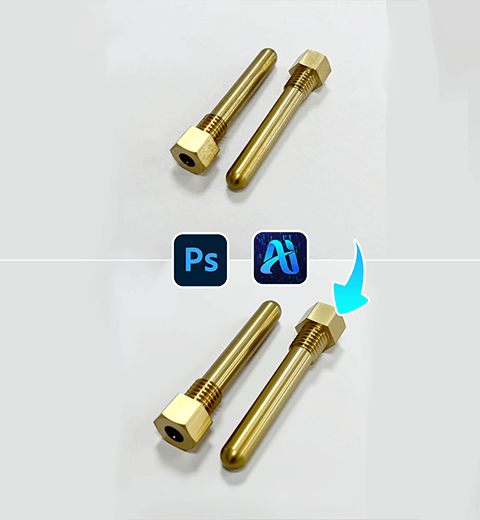
Product Retouch Made Easy for Hardware: Try This PS Plugin
Use the PSAIDE plugin to perfect hardware product retouching
-

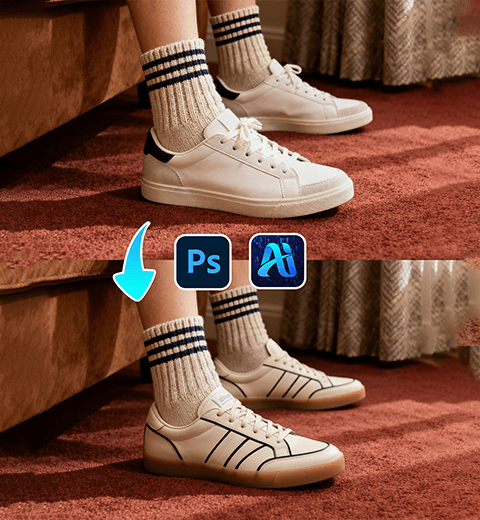
3 Steps to Perfectly Replace Your Puppy’s Dog Bed! Nano Banana Retouching Doubles Efficiency
Nano banana retouching ,now provides an efficient and precise solution…
-
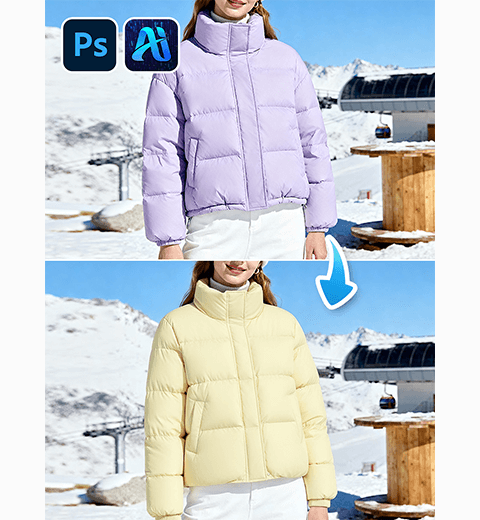
How to Change Model’s Down Jacket in 30 Seconds with PsAide’s NanoBanana
Why NanoBanana Is Essential for Winter Wear Marketers
-
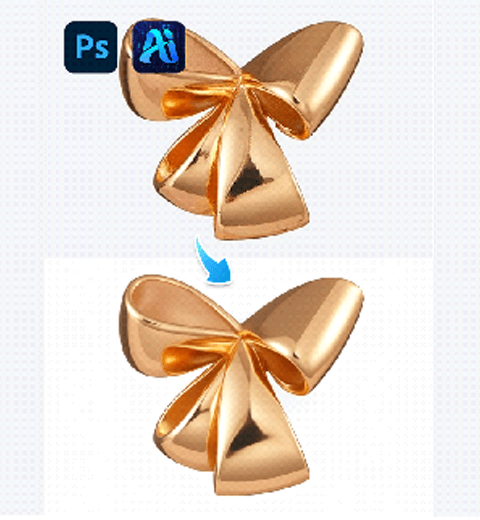
AI Photo Editing: 1-Click Metal Jewelry Retouch by PsAide
One-Click Metal Jewelry Retouch | AI Editing with PsAide
-
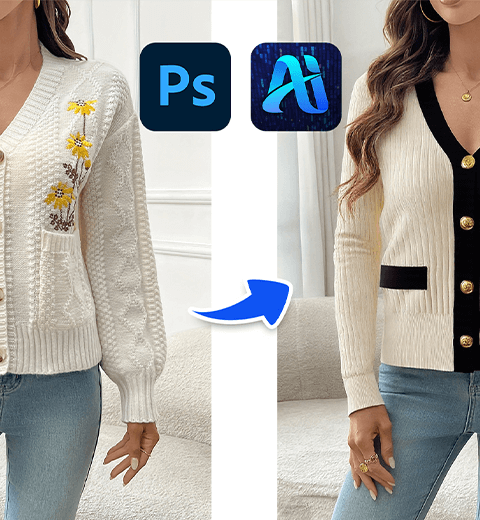
AI Photo Editing: 3-Step Knitwear Replacement with PsAide Transfer
Replace Model Knitwear in Just 3 Steps | AI Editing…
-
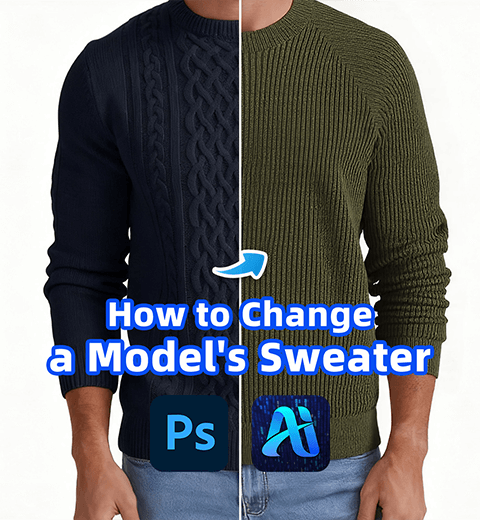
AI Photo Editing: How to Change a Model’s Sweater in 3s with PsAide
Swap a Model’s Sweater in 3s with PsAide’s AI Product…
-

AI Photo Editing: Replace Model’s Clothes in 3 Steps
3 steps to replace the model’s clothes