
Photoshop Tutorial
-
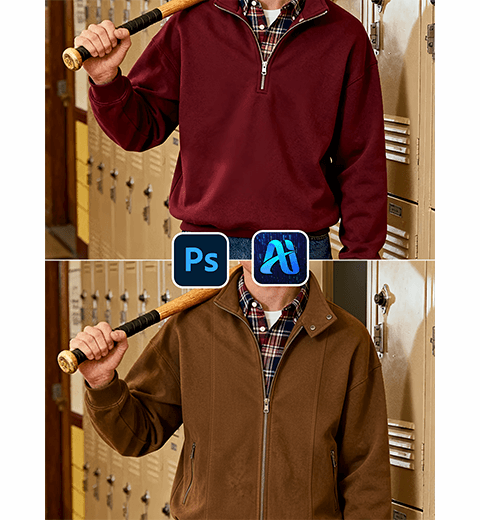
How to Use Nano Banana in PS: AI-Powered Jacket Replacement for Fashion Photos
This tutorial shows you how to swap clothing items with…
-
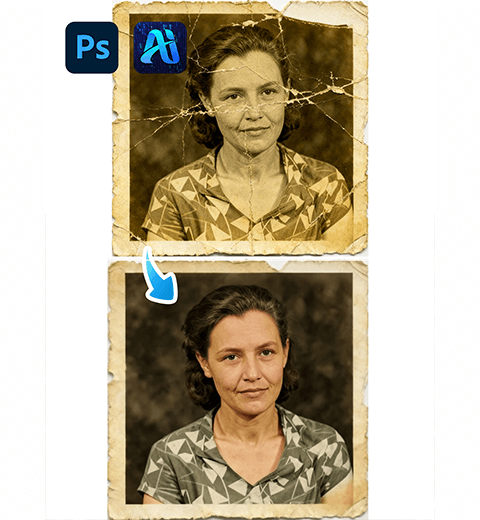
How to Restore Old Photos in Photoshop: The AI-Powered One-Click Solution
Discover how to restore damaged old photos in Photoshop with…
-
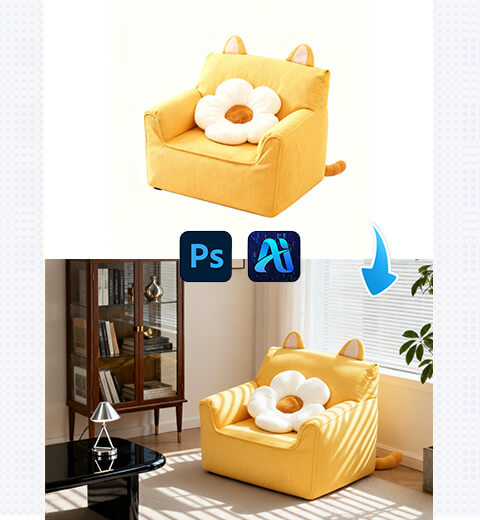
How to Edit Photo on Nano Banana: Replace Sofa with Suitable Scenes with AI Photo Editing
How to use Nano Banana to change the background of…
-
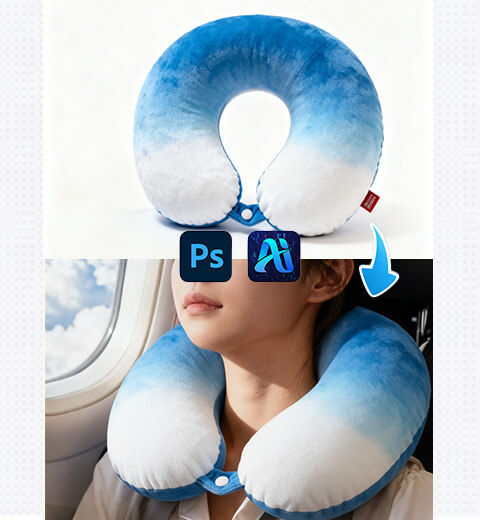
How to Edit Photo on Nano Banana: Replace Model’s U-Shaped Pillow with AI Photo Editing
How to use Nano Banana to replace U-shaped pillows on…
-
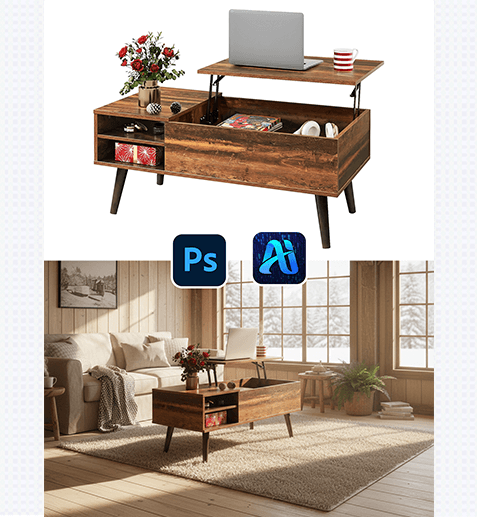
Nano Banana Magic: 3 Steps to Turn Plain White-Background Furniture into Stunning Home Settings!
Nano Banana retouching technology offers a precise and efficient solution…
-
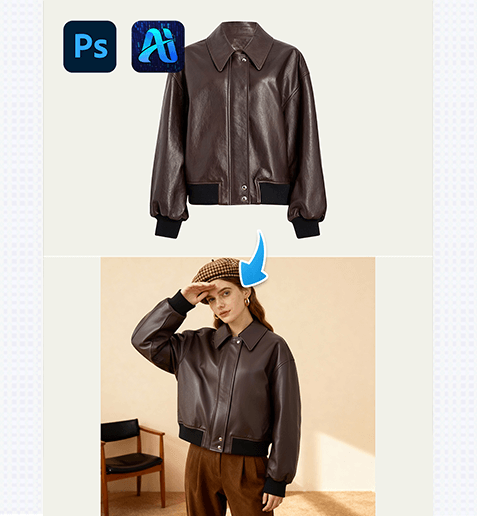
3 Steps to Flawlessly Replace Model’s Leather Jacket! Nano Banana Retouching Revolutionizes Fashion Design
Nano Banana retouching technology offers a game-changing solution for leather…
-
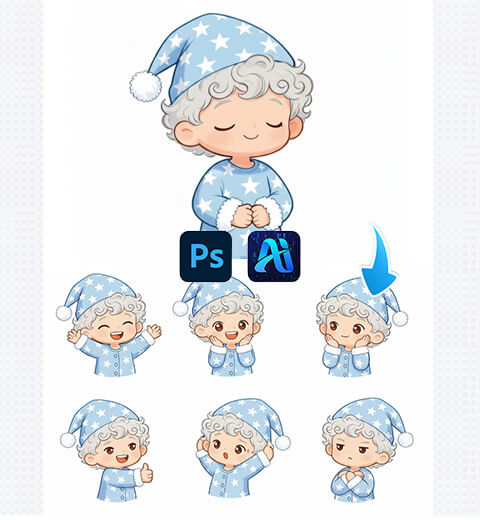
How to Edit Photo on Nano Banana: Create 3×3 Q-Version Emoji Packs with AI Photo Editing
How to use nano banana to generate nine grid emoticons…
-
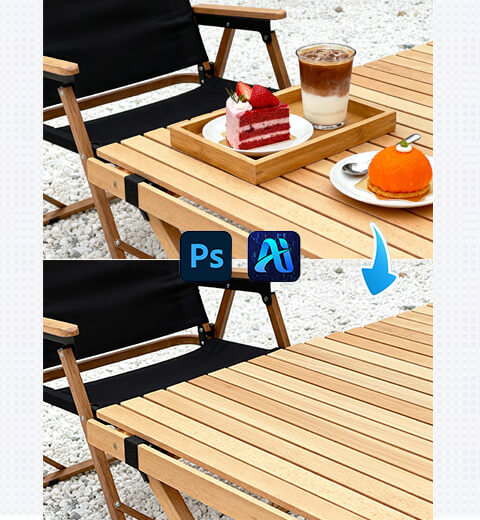
How to Edit Photo on Nano Banana: Remove Specified Items with AI Photo Editing
How to use nano banana to remove specified items in…
-
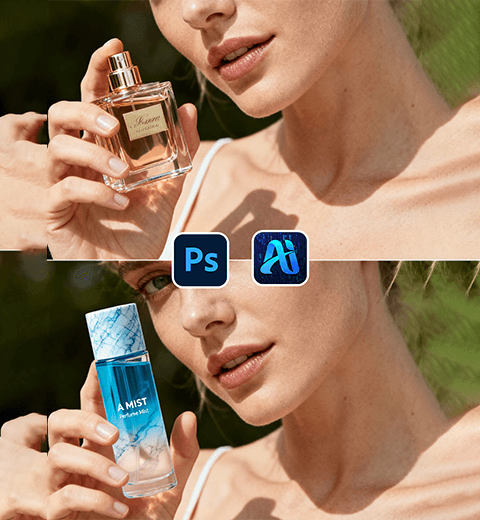
Swap Model’s Cosmetics Fast with Nano Banana: E-Commerce Game-Changer!
Using the Nano Banana feature in the PSAide plugin to…
-
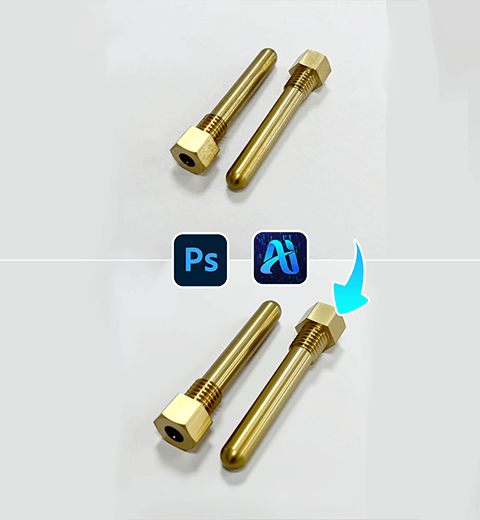
Product Retouch Made Easy for Hardware: Try This PS Plugin
Use the PSAIDE plugin to perfect hardware product retouching