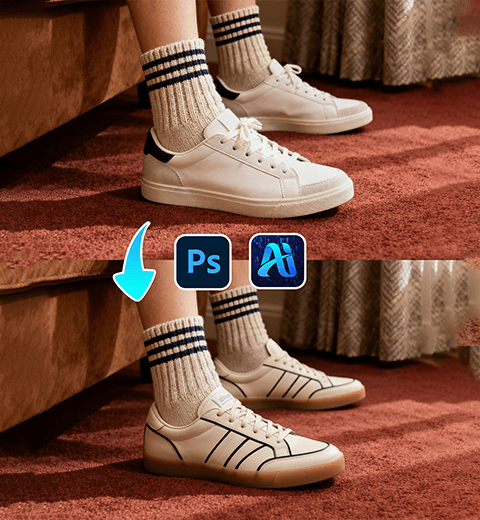
Photoshop Tutorial
-
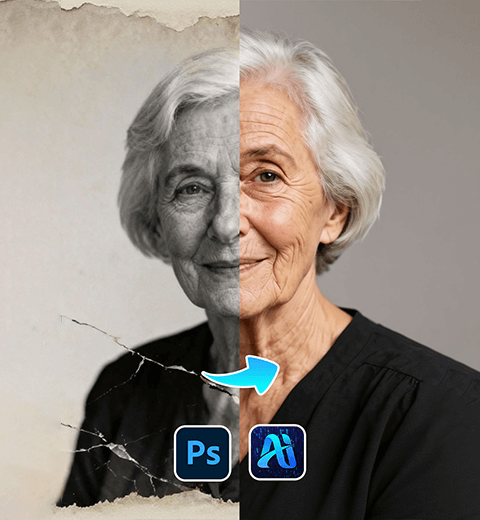
Old Photo Restoration Made Easy: Fix Vintage Pics with PsAide Plugin!
Detailed Guide on Restoring Old Photos in Photoshop Using the…
-
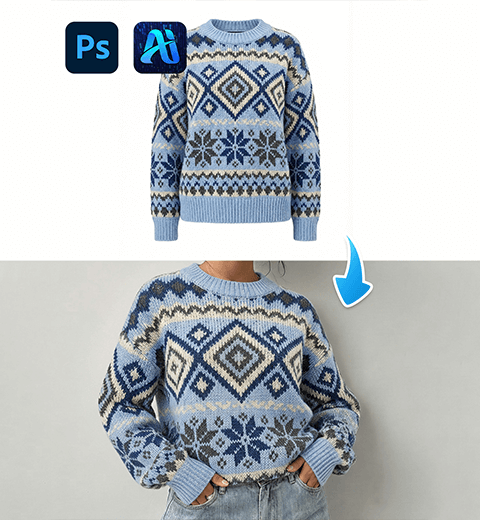
Nano Banana: Swap Christmas Sweaters for Models—Holiday E-Commerce Hack That Saves the Day!
In Photoshop, using Nano Banana to change the model’s Christmas…
-
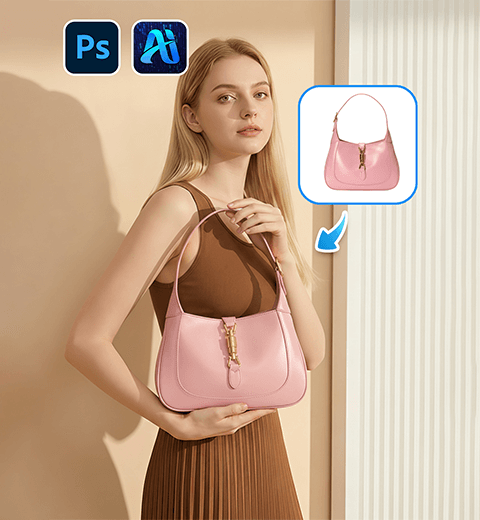
Effortless Product Image Swaps with Nano Banana: A Game-Changer for E-Commerce Visuals
This guide helping you master virtual outfit changes and tap…
-
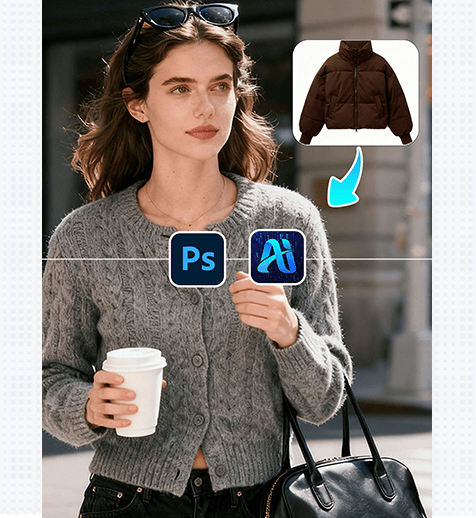
3 Steps to Effortlessly Replace Model’s Jacket! Nano Banana Retouching Elevates Design Productivity
Nano Banana retouching technology, delivers a precise and efficient solution…
-
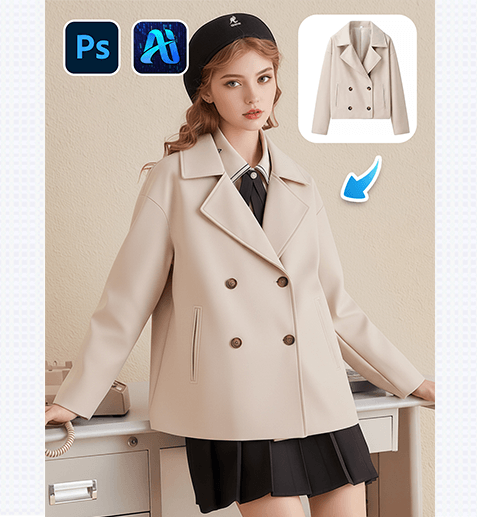
3 Steps to Seamlessly Replace Model’s Wool Coat! Nano Banana Retouching Boosts Design Efficiency
Nano Banana retouching technology offers a precise, fast solution for…
-
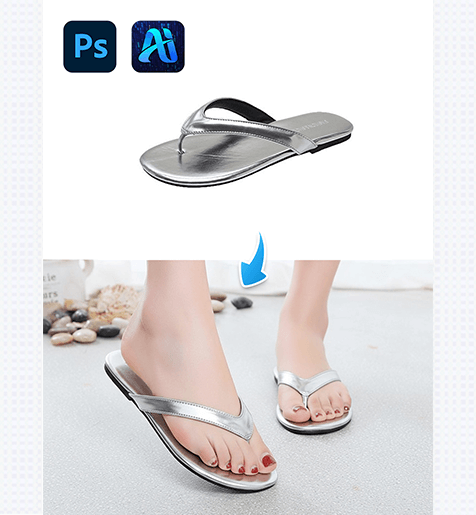
3 Steps to Perfectly Replace Flip-Flops in Model Photos! Nano Banana Retouching Doubles Efficiency
Nano banana , letting designers replace flip-flops in model photos…
-
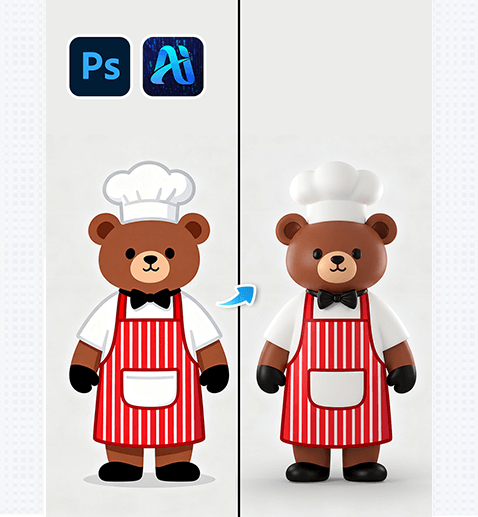
3 Steps to Convert 2D Bear Graphics to 3D with Nano Banana! Boost E-commerce Visuals Fast
nano banana , letting designers convert 2D to 3D in…
-
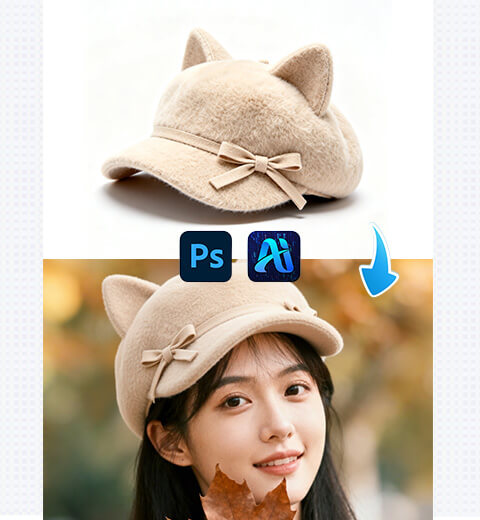
How to Edit Photo on Nano Banana: Replace Model’s Hat with AI Photo Editing
How to use “nano banana” in Photoshop to change the…
-
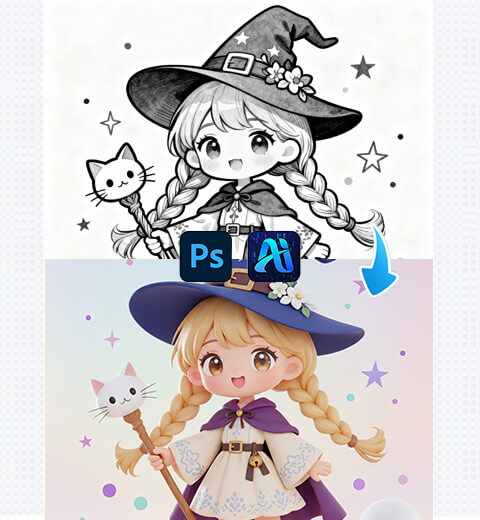
How to Edit Photo on Nano Banana: Convert 2D Images to 3D with AI Photo Editing
How to convert 2D to 3D using nano banana