Table of Contents
Common Pain Points of Manual Swimsuit Replacement in Native PS
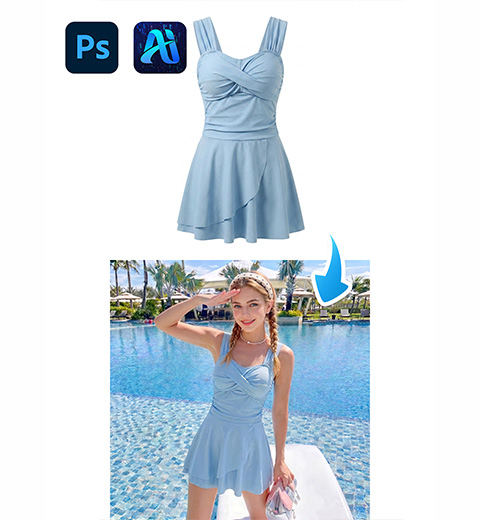
For swimwear e-commerce designers and PS retouchers, replacing model swimsuits is a frequent daily task to enrich product catalogs without repeated studio shooting. However, finishing this work with native Ps brings many unavoidable troubles.
1、3-Step Guide to Replace Model Swimsuit with Psaide Nano Banana in PS
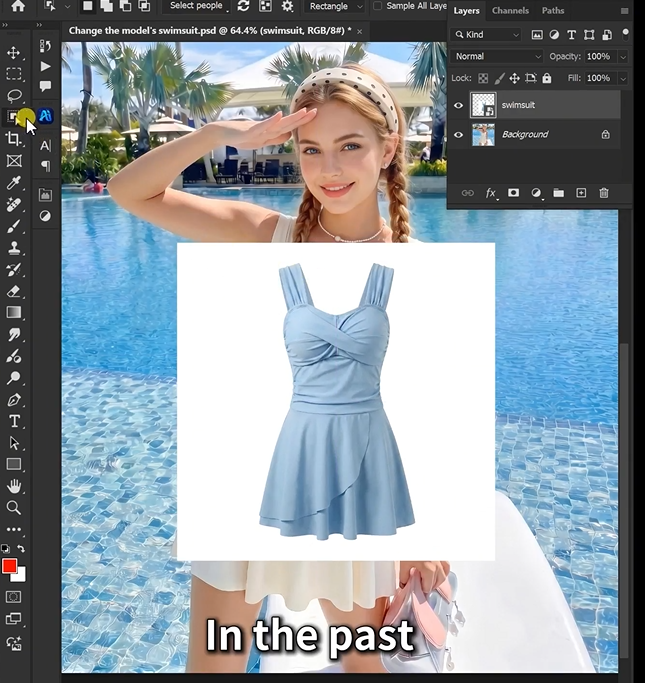
Launch your Ps software first. Open two prepared images: Image 1 refers to the original model photo wearing the old swimsuit, and Image 2 is the new target swimsuit material picture. Duplicate the background layer to protect the original model image from accidental damage. No complicated manual selection or pre-editing is needed before using the AI plugin.
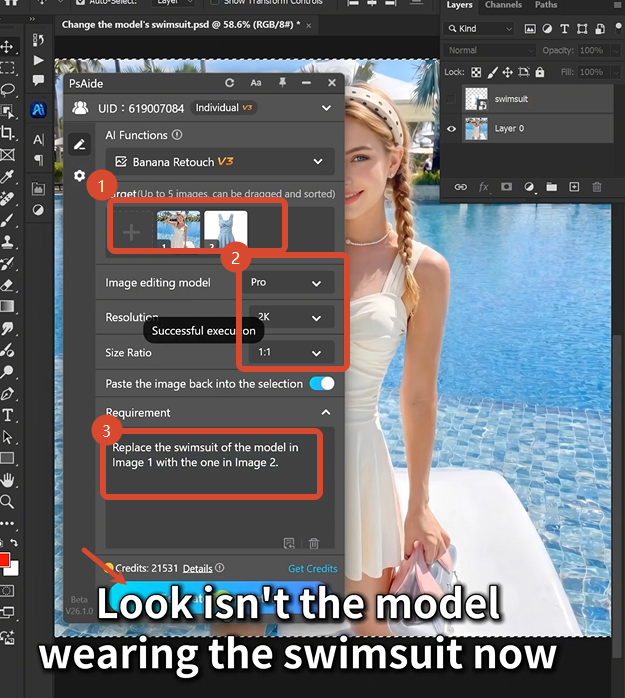
Open the Psaide plugin panel in Photoshop, then enter the Nano Banana retouching function. Select the Pro version for more accurate human body fitting and clothing texture restoration. Set the output resolution to 2K to guarantee clear swimsuit fabric details and smooth skin texture. Choose 1:1 square aspect ratio, which fits standard e-commerce main image specification perfectly. Upload Image 1 and Image 2 in order, then paste the standard prompt word directly:
Replace the swimsuit of the model in Image 1 with the one in Image 2.
Click the Generate button and wait for 20 to 30 seconds. The powerful AI algorithm of Nano Banana will automatically recognize the model’s body posture, fit the new swimsuit to human curves perfectly, and unify overall light and shadow. The finished natural retouched picture will be directly synced to your PS canvas. The whole picture has no distorted edges, no fake shadow and no unnatural splicing traces, which can be directly used for e-commerce product display.
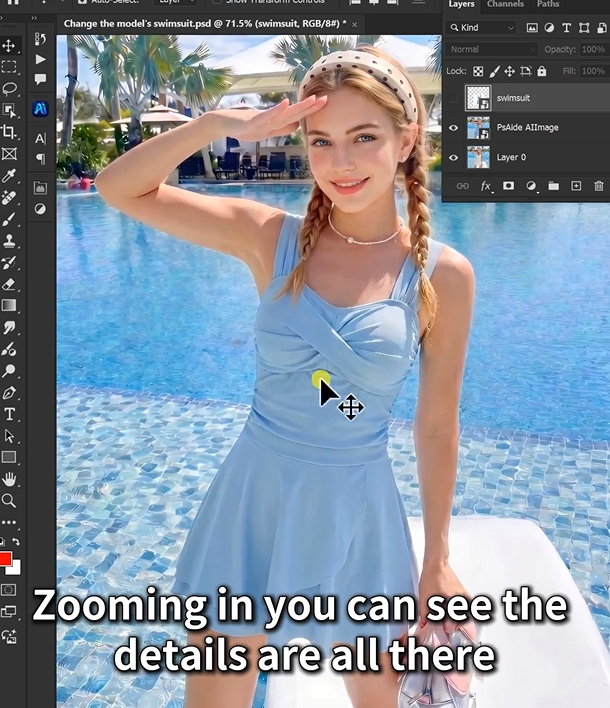
First, always use Nano Banana Pro instead of basic mode, as Pro version handles tight-fitting swimsuit fabrics and human body curves much better. Second, keep fixed 2K resolution and 1:1 ratio to avoid picture stretching and meet e-commerce image requirements. Third, do not modify the fixed prompt randomly, otherwise the AI may fail to identify the clothing replacement area correctly. Fourth, use high-definition original model pictures with even light to improve AI generation accuracy. With Ps and Nano Banana, designers can cut retouching time from 20 minutes to 30 seconds greatly and improve batch editing efficiency easily.iting workloads. between hours of manual retouching and working with AI.
2、Download link

https://psaide.com/?sfrom=A86R4u
Invitation Code: A86R4u