
Photoshop Tutorial
-

nano banana Hat Replacement: 4-Step Red Mask Workflow for Model Headwear
Replace or add hats on models using nano banana’s red…
-
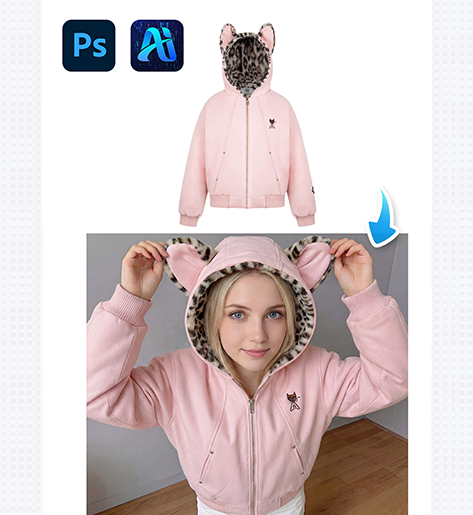
nano banana 5-Minute Jacket Replacement in Real-Scene Images
Replace jackets and coats in scene photos using nano banana…
-
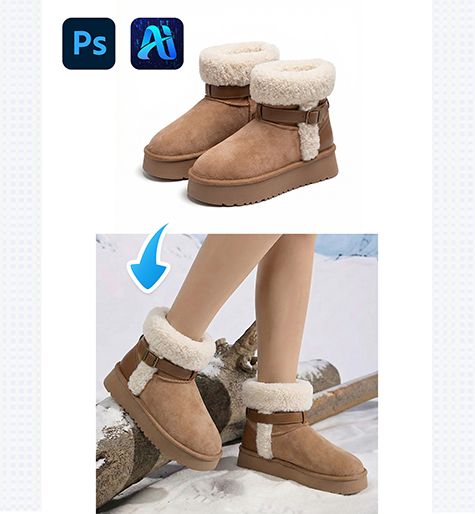
Nano banana 3 Easy Ways to Replace Boots in Lifestyle Photos
Replace boots in lifestyle photos using nano banana in PsAide…
-
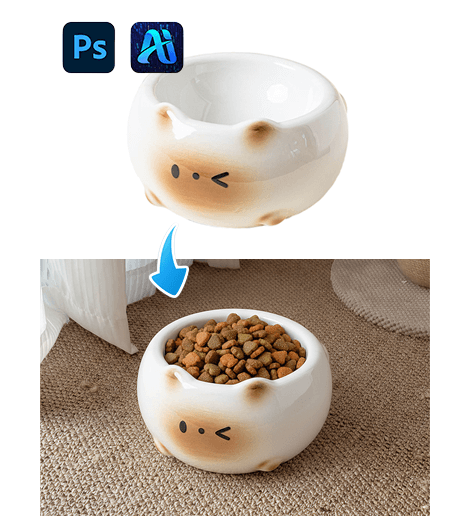
3 Simple Steps to Swap a Cat Bowl in E-Commerce Images with nano banana
Easily swap a cat bowl in e-commerce product images with…
-
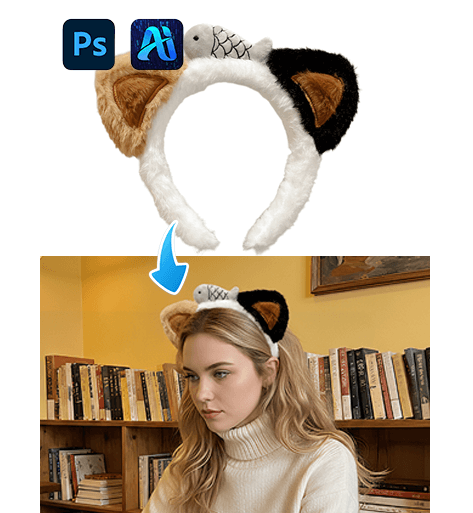
Nano banana 1 Quick Headband Replacement for E-Commerce Product Images
Easily replace headbands in your product images using nano banana…
-
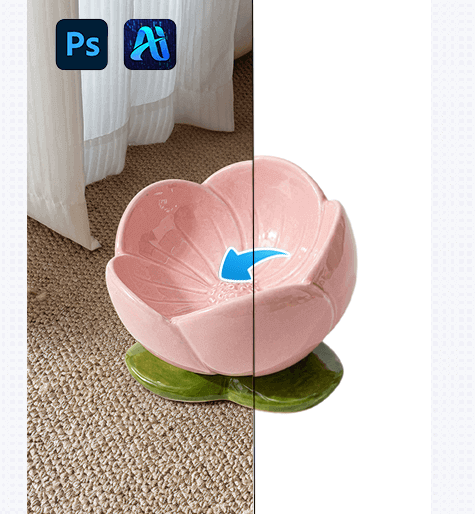
Nano banana 1 Quick and Easy Cat Bowl Replacement for E-Commerce Images
Use nano banana in PsAide to quickly swap a cat…
-
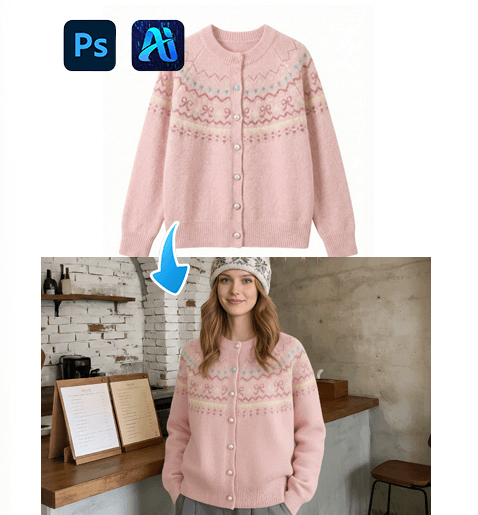
Nano banana 1 Smart Scene Outfit Swap with PsAideNano banana
nano banana in PsAide enables fast, realistic outfit swaps in…
-
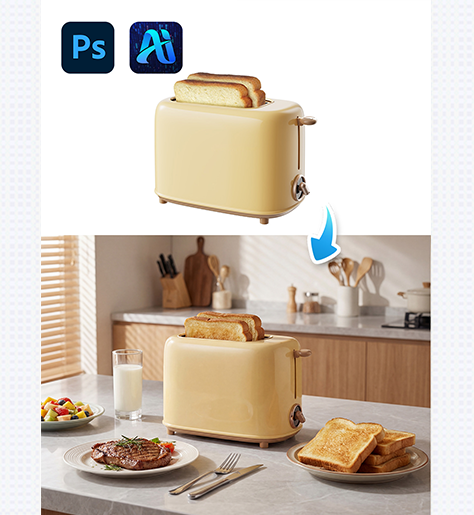
From White Background to Scene Ready: 3 Ways nano banana Instantly Adds Backgrounds to Your Bread Maker Images
Use PsAide’s nano banana to add realistic backgrounds to white-background…
-
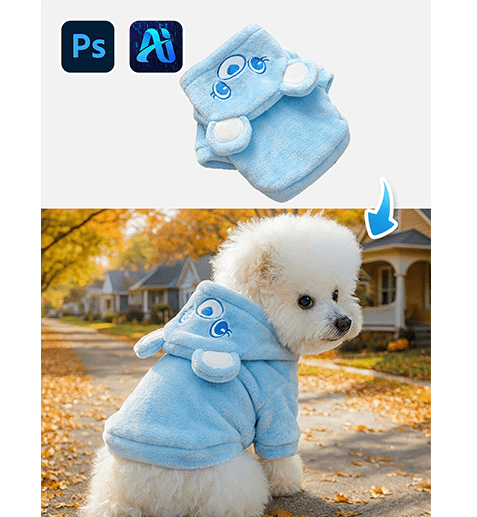
3-Step nano banana Pet Outfit Swap: Dress Up Your Cute Pets with PsAide
Learn how to use PsAide’s nano banana technology to swap…
-
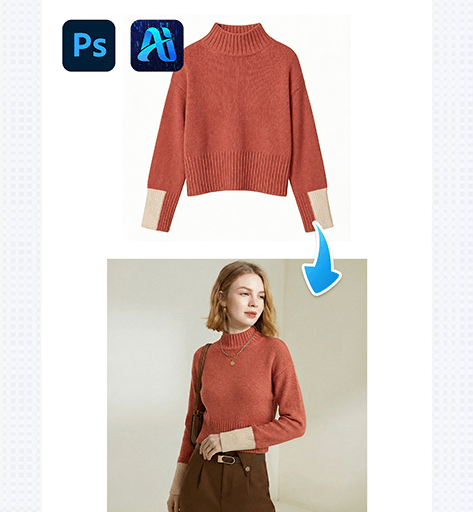
4-Step nano banana Sweater Swap: Replace Knitwear on Models with PsAide
Use PsAide’s nano banana technology to replace sweaters on models…