
Photoshop Tutorial
-
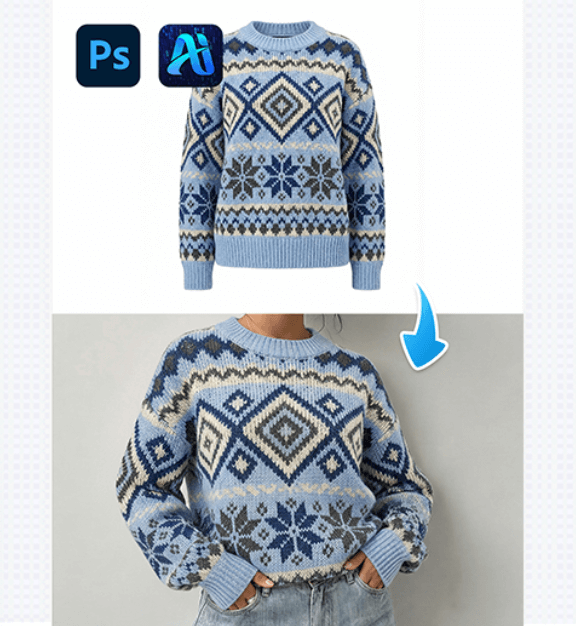
PSAide’s Nano Banana: Swap Outfits on Models Effortlessly in 3 steps
Nano Banana lets you replace a model’s outfit with a…
-
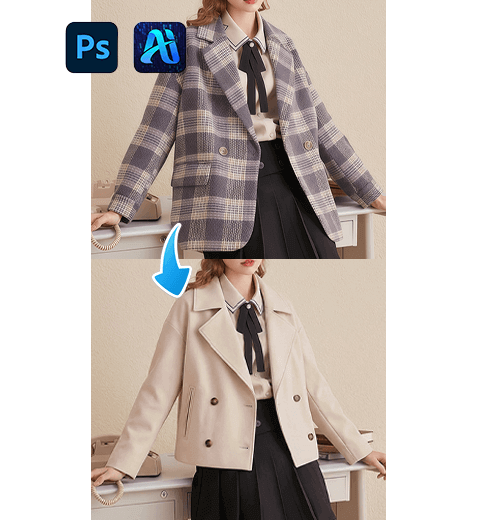
PSAide’s Nano Banana Pro: Swap Outfits on Models Seamlessly in 3 steps
Nano Banana Pro simplifies fashion styling edits by replacing garments…
-
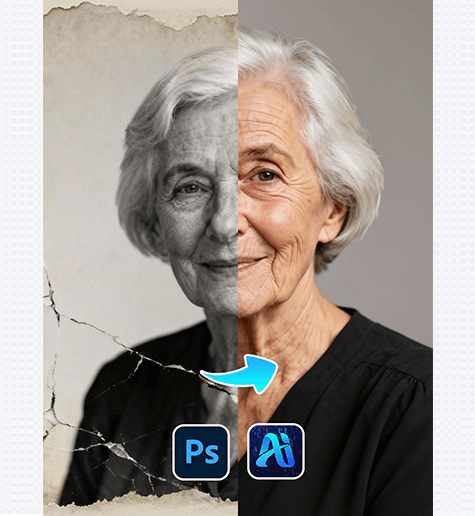
Old Photo Restoration: Revive Vintage Portraits with PSAide Plugin
Old Photo Restoration lets you repair faded, damaged, or blurry…
-
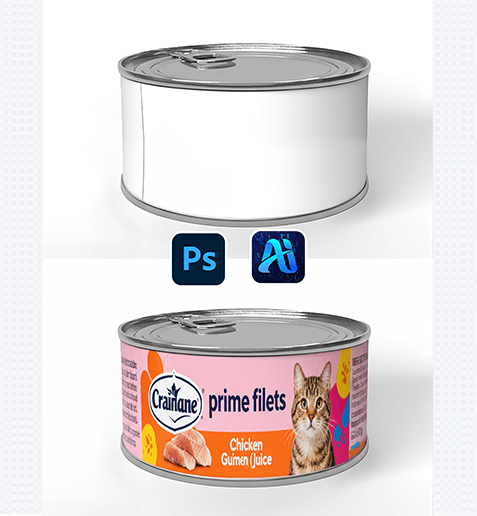
Nano Banana: Apply Custom Graphics to Cans Seamlessly in 3 Steps
Nano Banana simplifies packaging design by letting you add custom…
-
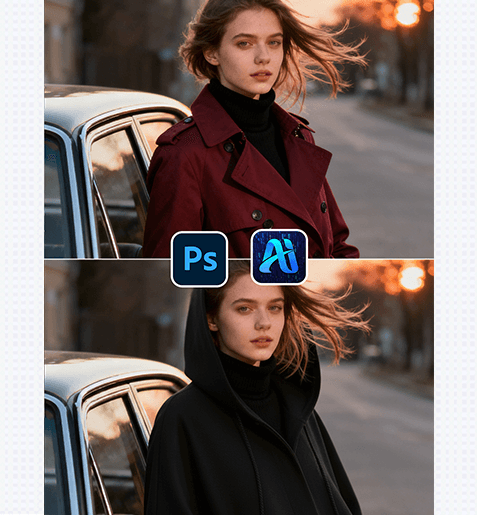
Nano Banana Retouching Simplifies Studio Workflows: 3 Steps to Seamlessly Swap Model Outfits!
Nano Banana, perfect for fashion shoots, product imagery, or marketing…
-

Nano Banana in PsAIde: Elevate E-commerce Cat Bed Product Images with AI-Powered Background Replacement
Nano Banana solving these core pain points with speed, precision,…
-
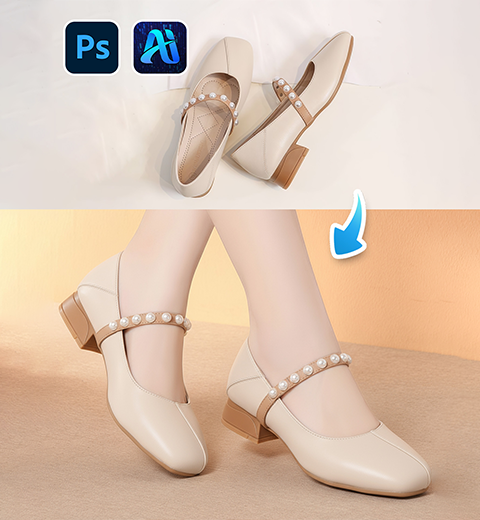
Change the model’s shoes in Photoshop using Nano Banana Retouch in just one second.
This guide helping you master virtual outfit changes and tap…
-
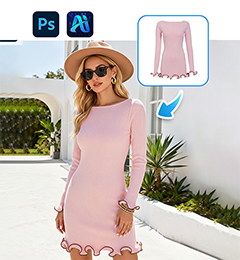
Use Nano Banana Retouch in Photoshop to change a model’s dress in just 3 steps
This guide helping you master virtual outfit changes and tap…