
Photoshop Tutorial
-
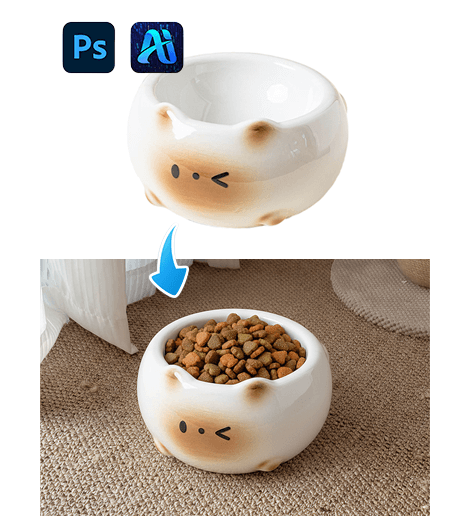
3 Simple Steps to Swap a Cat Bowl in E-Commerce Images with nano banana
Easily swap a cat bowl in e-commerce product images with…
-
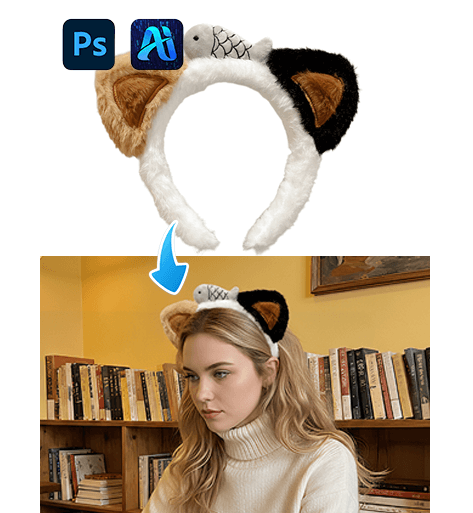
Nano banana 1 Quick Headband Replacement for E-Commerce Product Images
Easily replace headbands in your product images using nano banana…
-
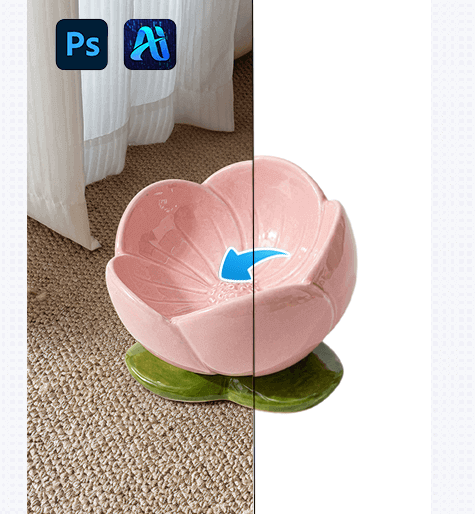
Nano banana 1 Quick and Easy Cat Bowl Replacement for E-Commerce Images
Use nano banana in PsAide to quickly swap a cat…
-
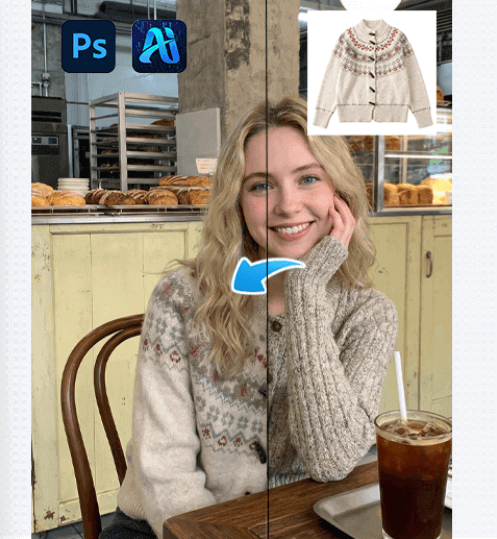
One-Click Clothing Transfer with nano banana in PsAide
Use nano banana in PsAide to quickly swap outfits in…
-
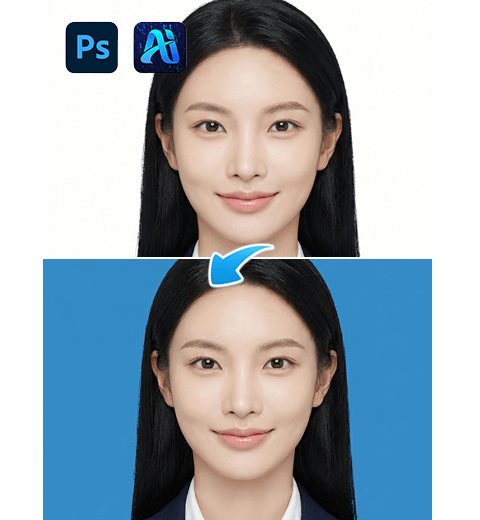
PS ID Photo Background Change: 3 Tested Methods! Nano Banana One-Click No-Crop Solution
It details 3 methods—traditional PS crop & fill, Psaide crop…
-
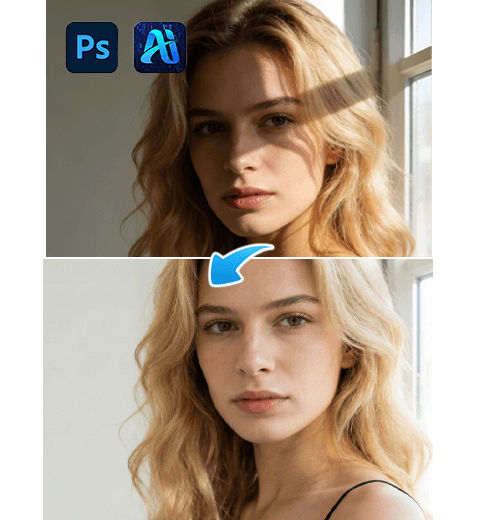
3 Simplest Steps to Remove Shadows in PS
Excessive or unnatural facial shadows often ruin portrait and commercial…
-
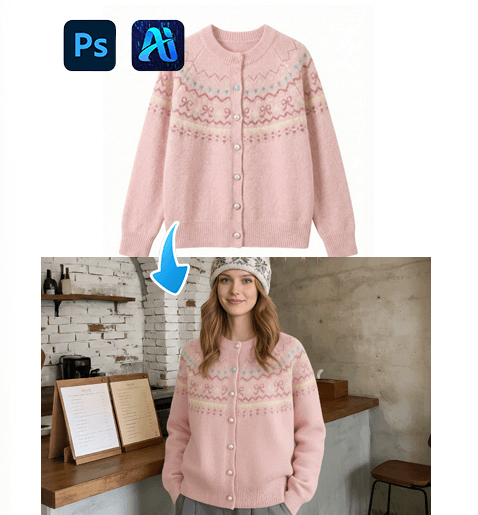
Nano banana 1 Smart Scene Outfit Swap with PsAideNano banana
nano banana in PsAide enables fast, realistic outfit swaps in…
-
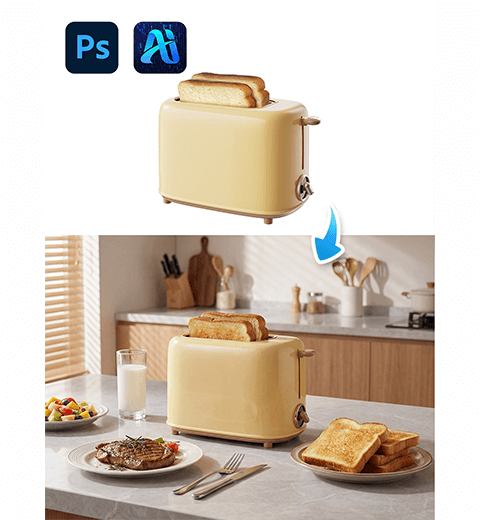
How to Create Perfect Product Backgrounds in Photoshop with Nano Banana Pro
Transform plain white e-commerce photos into contextual lifestyle scenes that…
-
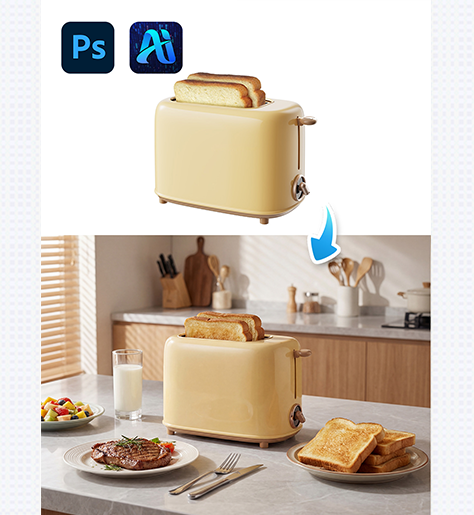
From White Background to Scene Ready: 3 Ways nano banana Instantly Adds Backgrounds to Your Bread Maker Images
Use PsAide’s nano banana to add realistic backgrounds to white-background…
-
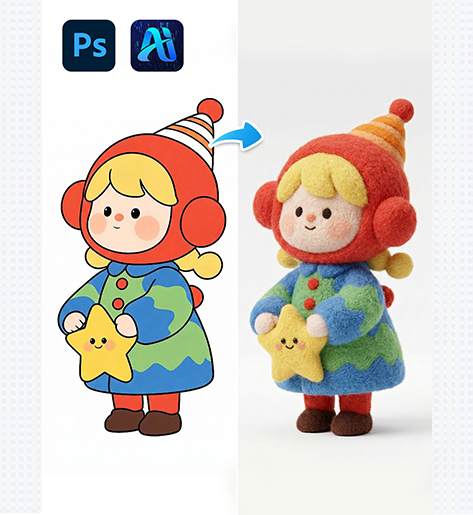
3-Step nano banana 2D-to-3D IP Conversion: Transform Flat Characters into Realistic Felt Models
Transform flat 2D IP characters into 3D felt-style models using…