
Photoshop Tutorial
-
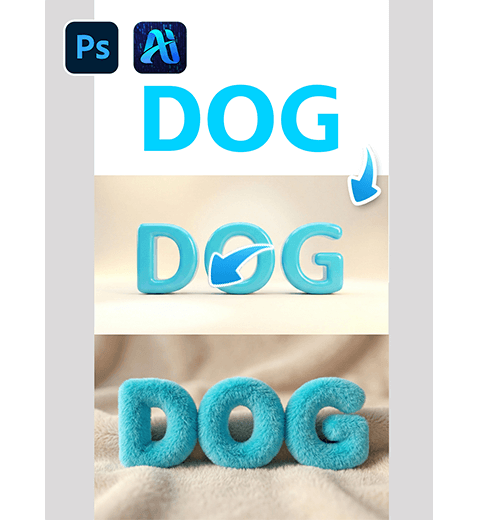
How to Create Plush 3D Text in Photoshop with Nano Banana Pro
Transform flat 2D text into soft, fluffy 3D plush-style typography…
-
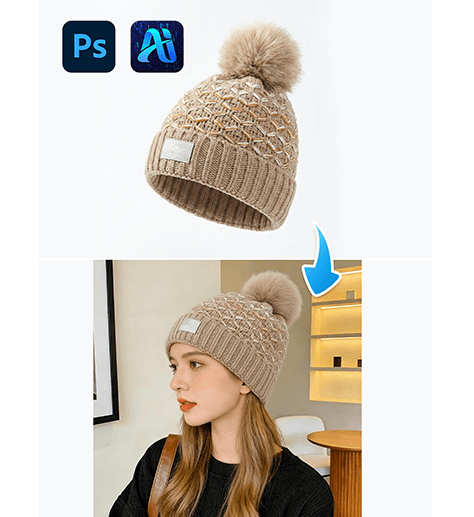
3-Step nano banana Hat Replacement: Swap Hats on Models Naturally with PsAide
Use PsAide’s nano banana technology to seamlessly replace hats on…
-
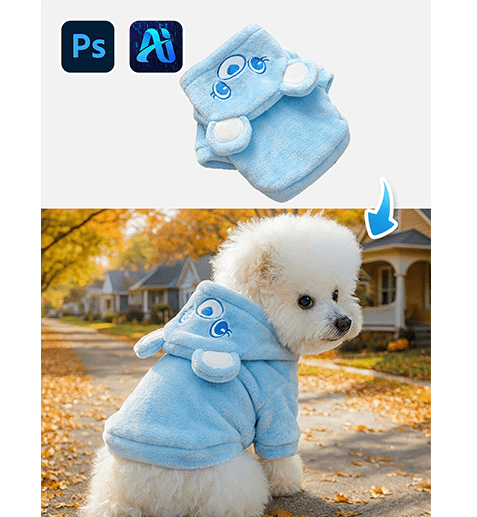
3-Step nano banana Pet Outfit Swap: Dress Up Your Cute Pets with PsAide
Learn how to use PsAide’s nano banana technology to swap…
-
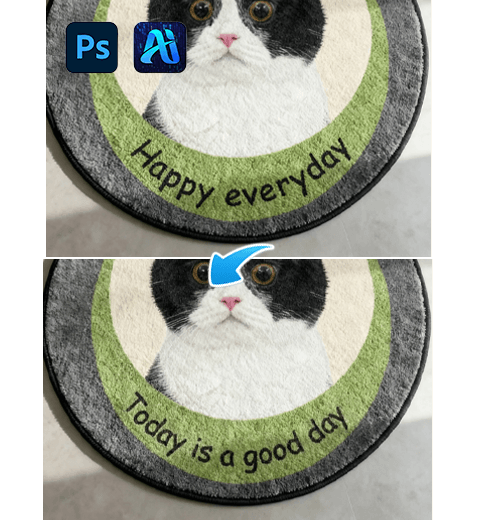
How to Edit Text on Images in Photoshop? Nano Banana Pro in One Click
It details the limitations of traditional Photoshop editing methods and…
-
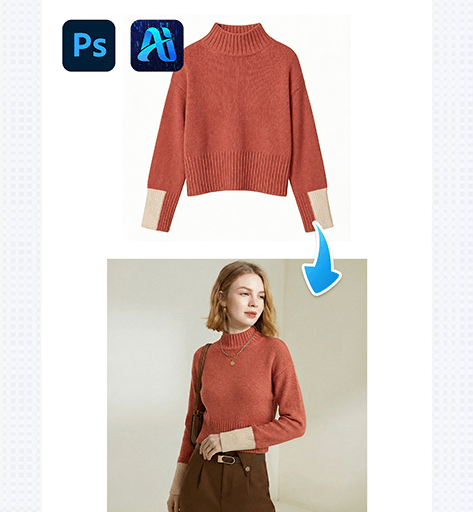
4-Step nano banana Sweater Swap: Replace Knitwear on Models with PsAide
Use PsAide’s nano banana technology to replace sweaters on models…
-
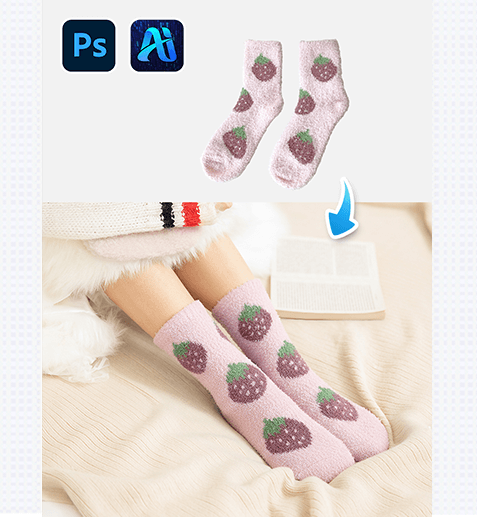
3-Step nano banana Sock Replacement: Change Socks on Models Seamlessly with PsAide
Use PsAide’s nano banana technology to seamlessly replace socks on…
-
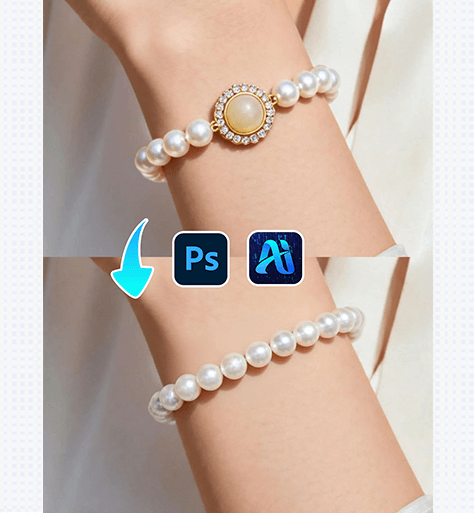
3-Step nano banana Bracelet Placement: Add Natural Bracelets to Models with PsAide
Use PsAide’s nano banana technology to add realistic bracelets to…
-
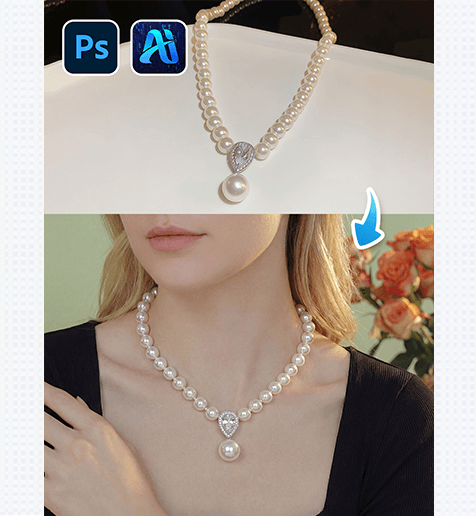
3-Step nano banana Necklace Placement: Add Realistic Necklaces to Models with PsAide
Use PsAide’s nano banana technology to add realistic necklaces to…
-
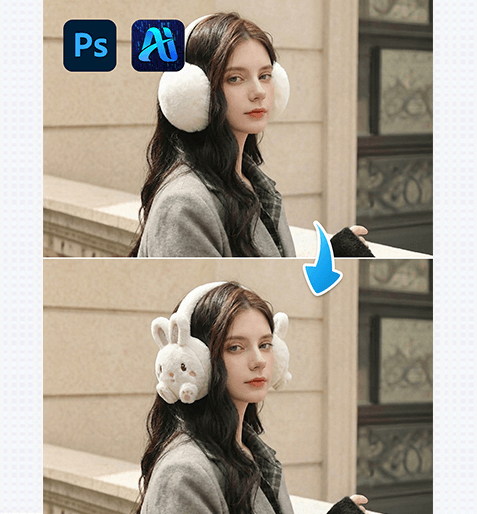
3-Step nano banana Ear Muff Replacement: Swap Warm Earmuffs on Models with PsAide
Use PsAide’s nano banana technology to seamlessly replace warm earmuffs…
-
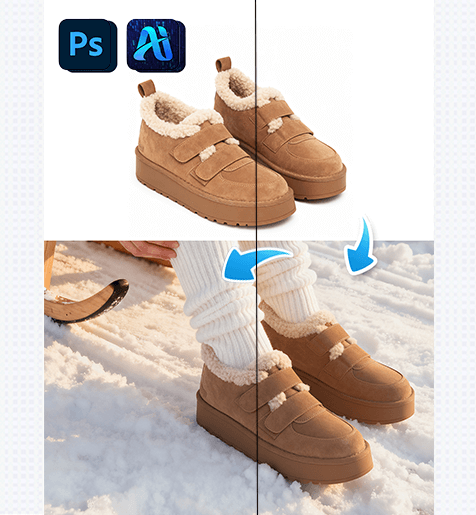
3-Step nano banana Snow Boot Replacement: Swap Winter Boots on Models with PsAide
Use PsAide’s nano banana technology to seamlessly replace snow boots…