
Photoshop Tutorial
-
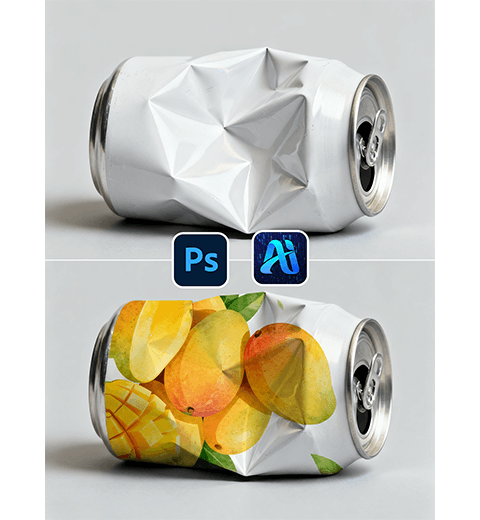
How to Use Nano Banana for Can Pattern Application: A 3-Step Guide with AI Photo Editing
PsAide’s Nano Banana enables easy, fast can pattern application via…
-
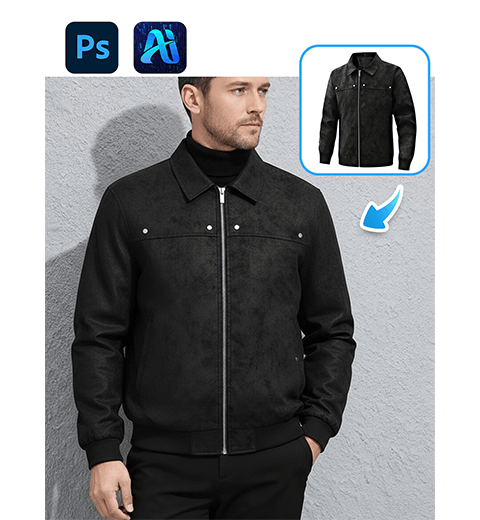
How to Edit Photo on Nano Banana: Naturally Swap Model’s Jacket with AI Photo Editing——Only 30s Needed
PsAide’s Nano Banana enables seamless, realistic model jacket swaps via…
-
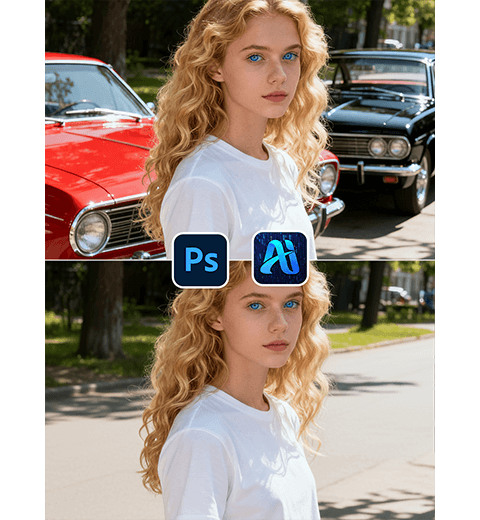
How to Remove Background Clutter from Photos with NanoBanana: Effortless AI-Powered Editing
PsAide’s NanoBanana enables quick, precise removal of specific background clutter…
-
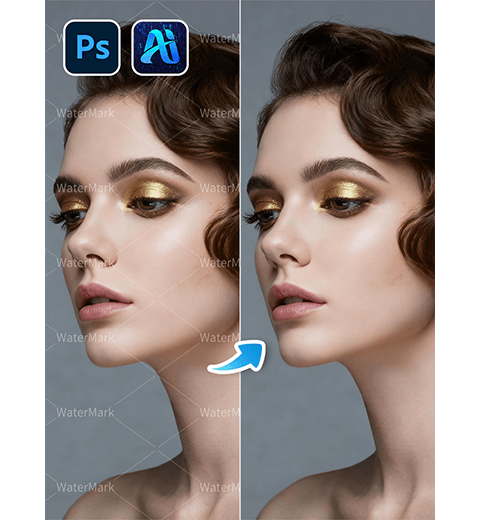
How to Remove Watermarks with PS: 30s Finish via AI Photo Editing & Photoshop Watermark Removal
PsAide’s AI Advanced Retouch enables quick, precise Photoshop Watermark Removal…
-
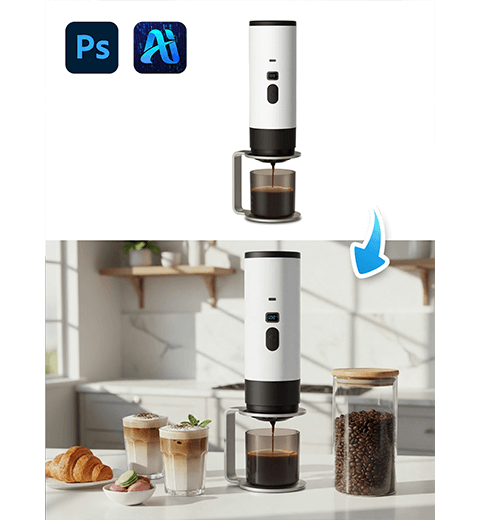
How to Blend 2 Images with PS: Realistic Coffee Machine Scene Integration with NanoBanana
If you’ve ever struggled with how to blend two images…
-
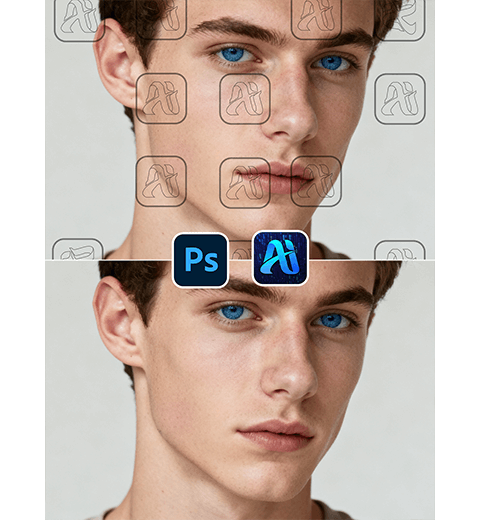
How to Remove Watermarks with PS in One Click: Watermark Removal via AI Photo Editing
3-step Tutorial for Removing Image Watermarks
-
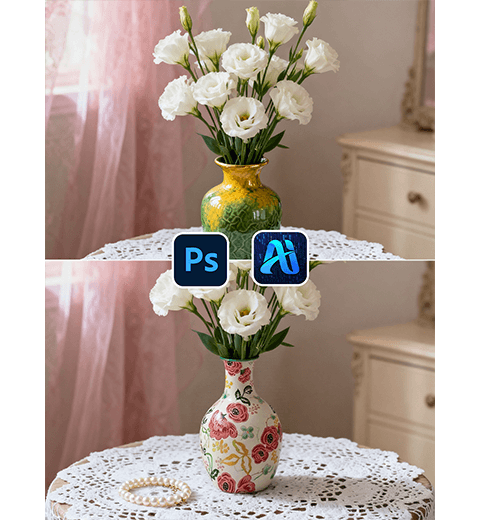
How to Replace Products in Images with PS in 30s with PsAide’s NanoBanana
How to change the vase in 30 seconds using PS
-
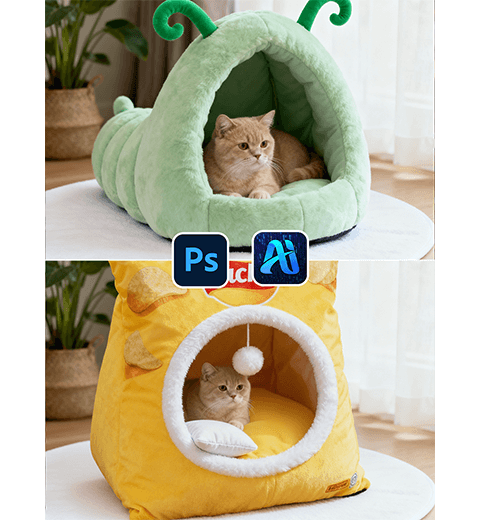
Use PS to Replace Cat Bed in E-commerce Images in 1 Minute with NanoBanana
PsAide’s NanoBanana enables one-click cat bed replacement in PS for…
-
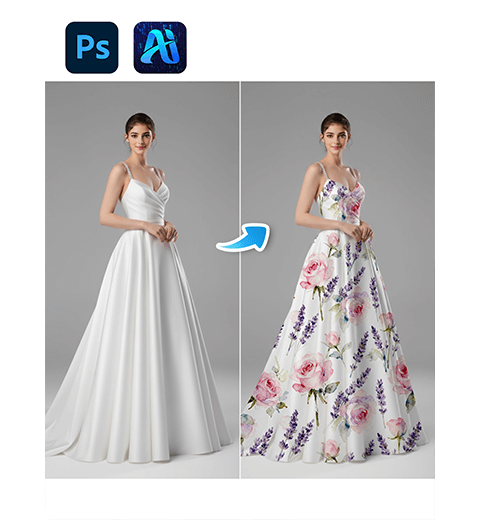
How to Use PS to Apply Custom Patterns to Model’s Dress in 1 Click with NanoBanana
PsAide’s NanoBanana enables one-click custom pattern application to a model’s…
-
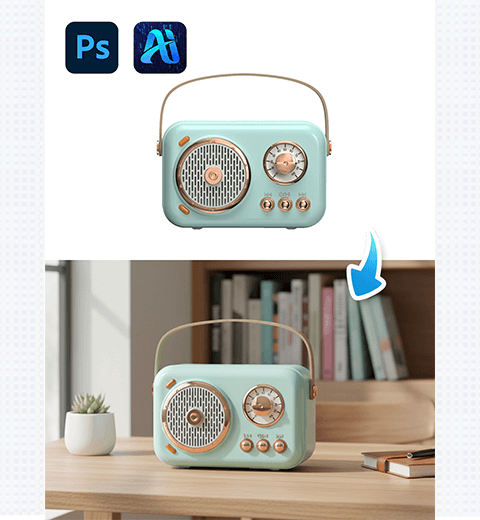
How to Change 3C Product White Background to E-commerce Image in One Click with PsAide’s NanoBanana
Click “One-Click Generate” to get 3C product with new background…