
Photoshop Tutorial
-
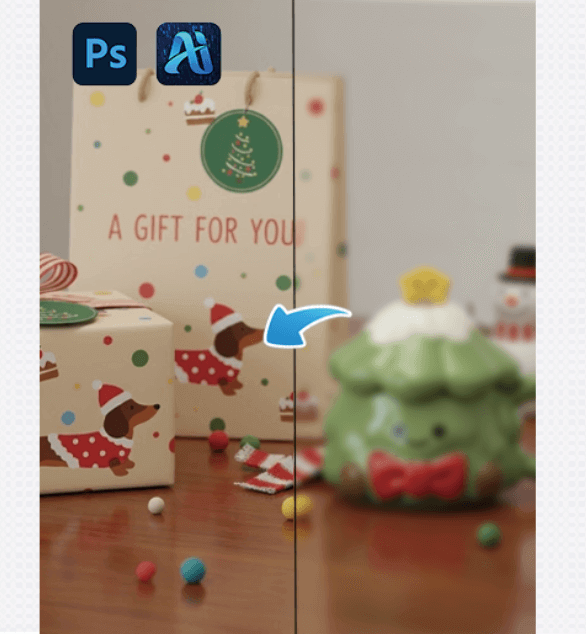
How Photoshop Users Can Truly Fix Blurry Images with nano banana in 2 steps
A practical Photoshop workflow for turning blurry images into clear…
-
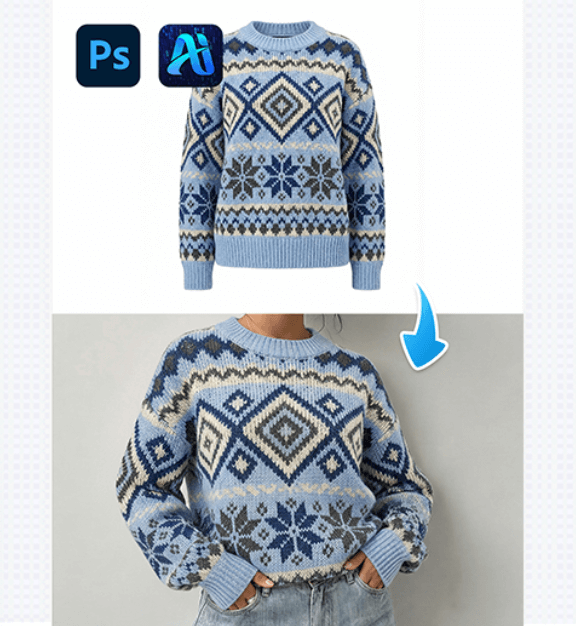
PSAide’s Nano Banana: Swap Outfits on Models Effortlessly in 3 steps
Nano Banana lets you replace a model’s outfit with a…
-
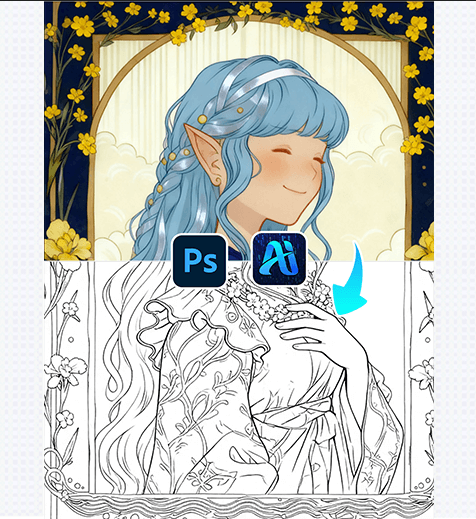
AI Advanced Retouching: Turn Illustrations into Clean Line Art in Minutes
AI Advanced Retouching simplifies converting colored illustrations to polished line…
-
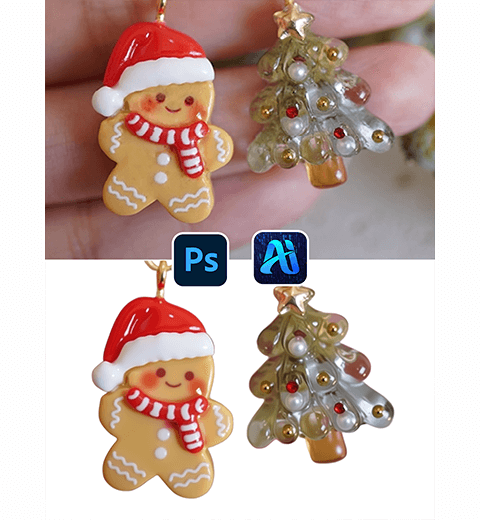
How to Retouch and Remove Backgrounds from Jewelry Photos Using Photoshop AI Tools
This tutorial shows you how to enhance Christmas earrings and…
-
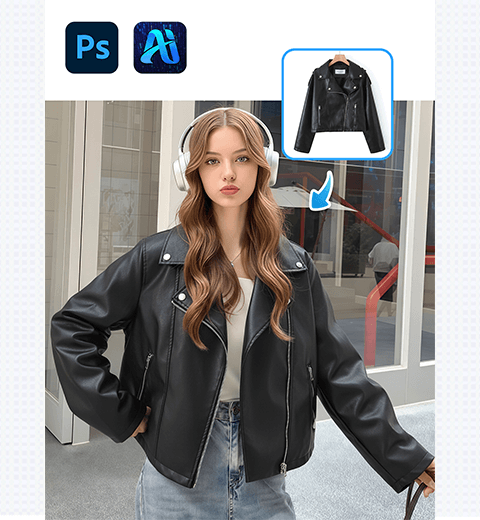
Change Any Jacket in 4 Steps with Nano Banana! Download the PSAide Plugin Now.
This step-by-step guide will walk you through the entire workflow,…
-
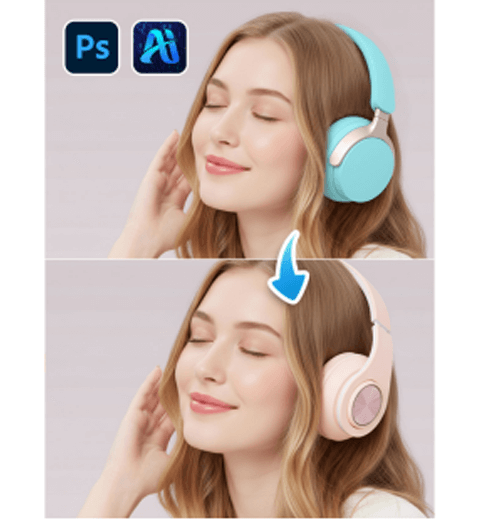
AI Photo Editing: Replace Headphones on Models with PsAide’s Product Transfer
A three-step method for replacing headphones
-
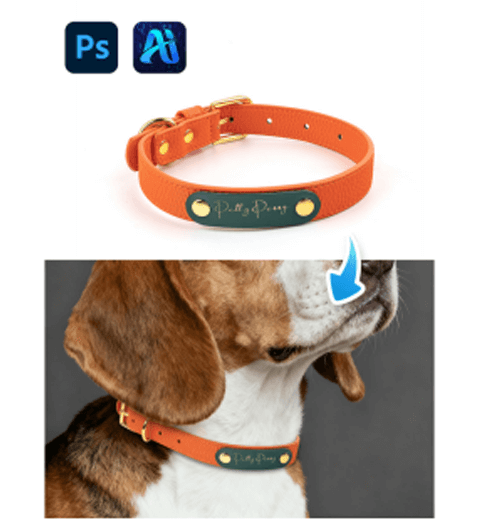
AI Photo Editing: Replace Dog Collars with PsAide’s Product Transfer
Pain Points of Traditional Dog Collar Image Creation
-
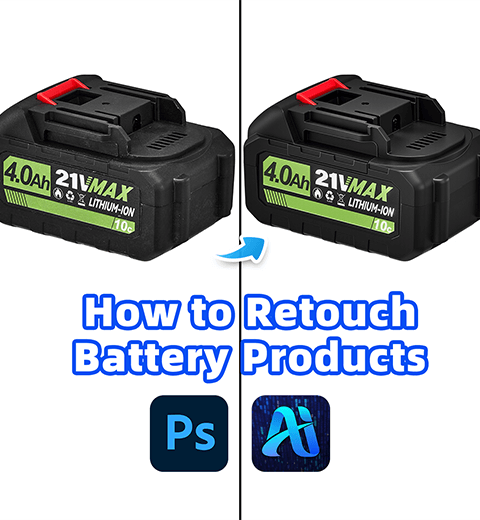
AI Photo Editing: Retouch Lithium Batteries in 3 Steps with PsAide
One-Click AI Retouch for Lithium Batteries with PsAide