
Photoshop Tutorial
-
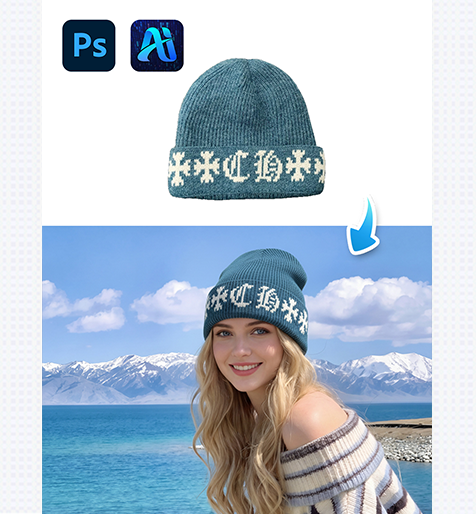
nano banana Hat Replacement: 4-Step Red Mask Workflow for Model Headwear
Replace or add hats on models using nano banana’s red…
-
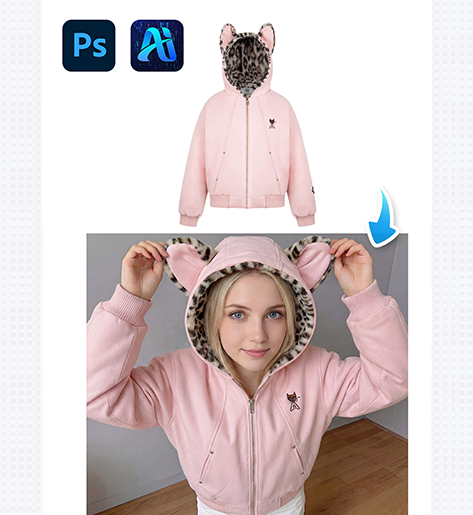
nano banana 5-Minute Jacket Replacement in Real-Scene Images
Replace jackets and coats in scene photos using nano banana…
-
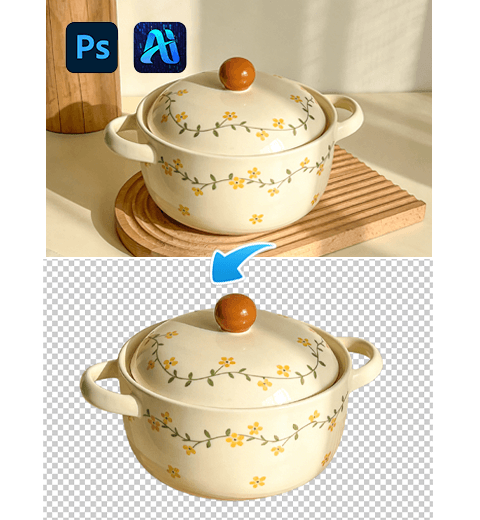
How to Cut Out Images in PS 2026: Native Tools vs Background Remover
This guide addresses the pain points of PS 2026’s native…
-
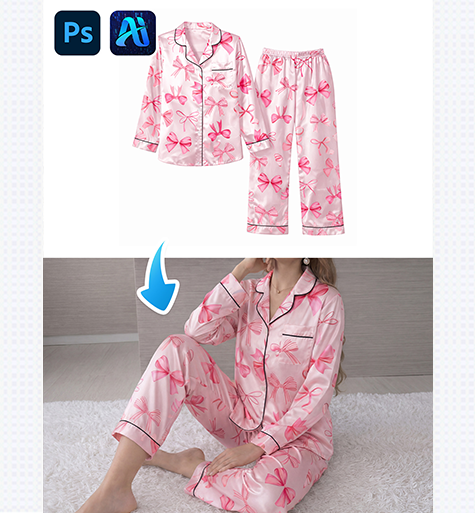
nano banana 4-Step Pajama Set Replacement for E-Commerce Images
Use nano banana in PsAide to replace pajama sets in…
-
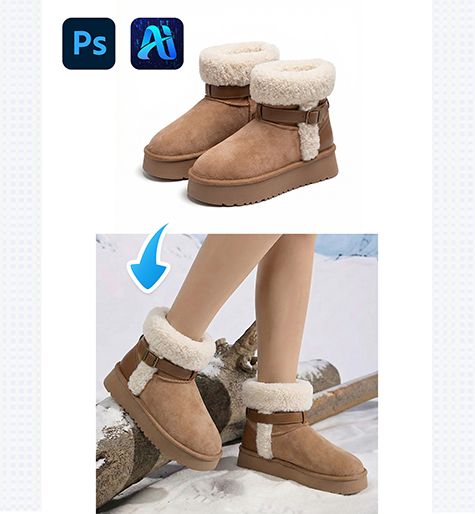
Nano banana 3 Easy Ways to Replace Boots in Lifestyle Photos
Replace boots in lifestyle photos using nano banana in PsAide…
-
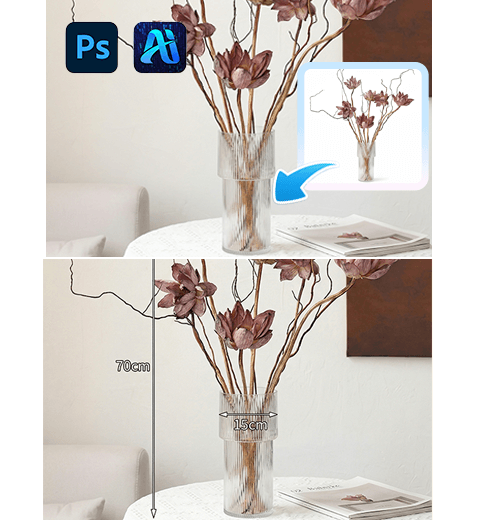
How to Make Amazon E-Commerce Images in PS: Nano Banana Pro One-Stop for Main & Size Marked Images
This guide solves the pain points of traditional Amazon image…
-
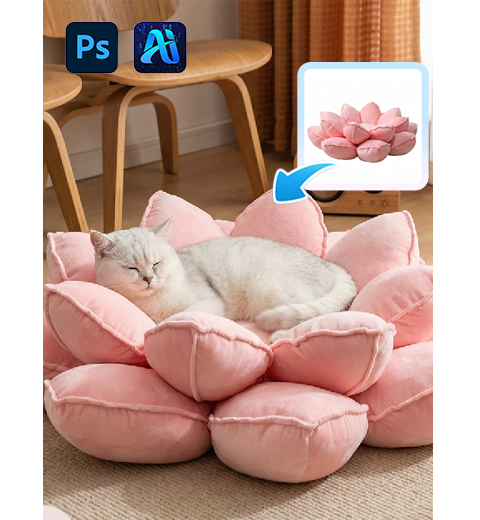
How to Make E-Commerce Main Images in PS: Nano Banana Pro 1-Click Scenes & Close-Ups
This guide solves traditional PS pain points for e-commerce main…
-
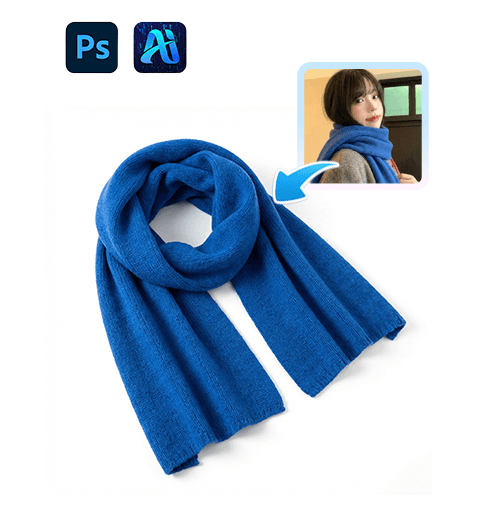
How to Make Product White Background in PS 3 Methods
this guide solves traditional cutout pain points for e-commerce white…
-
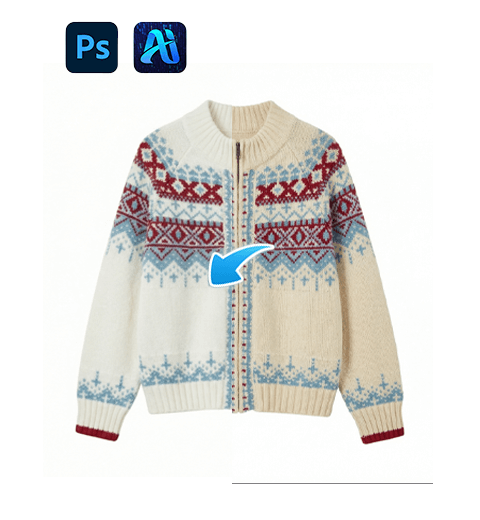
How to Change Sweater Color in PS: 3 Methods from Manual to Nano Banana AI Precision
This guide addresses frequent sweater color change needs in design,…
-
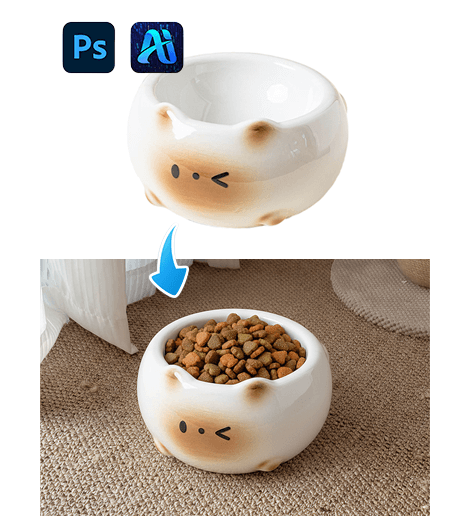
3 Simple Steps to Swap a Cat Bowl in E-Commerce Images with nano banana
Easily swap a cat bowl in e-commerce product images with…